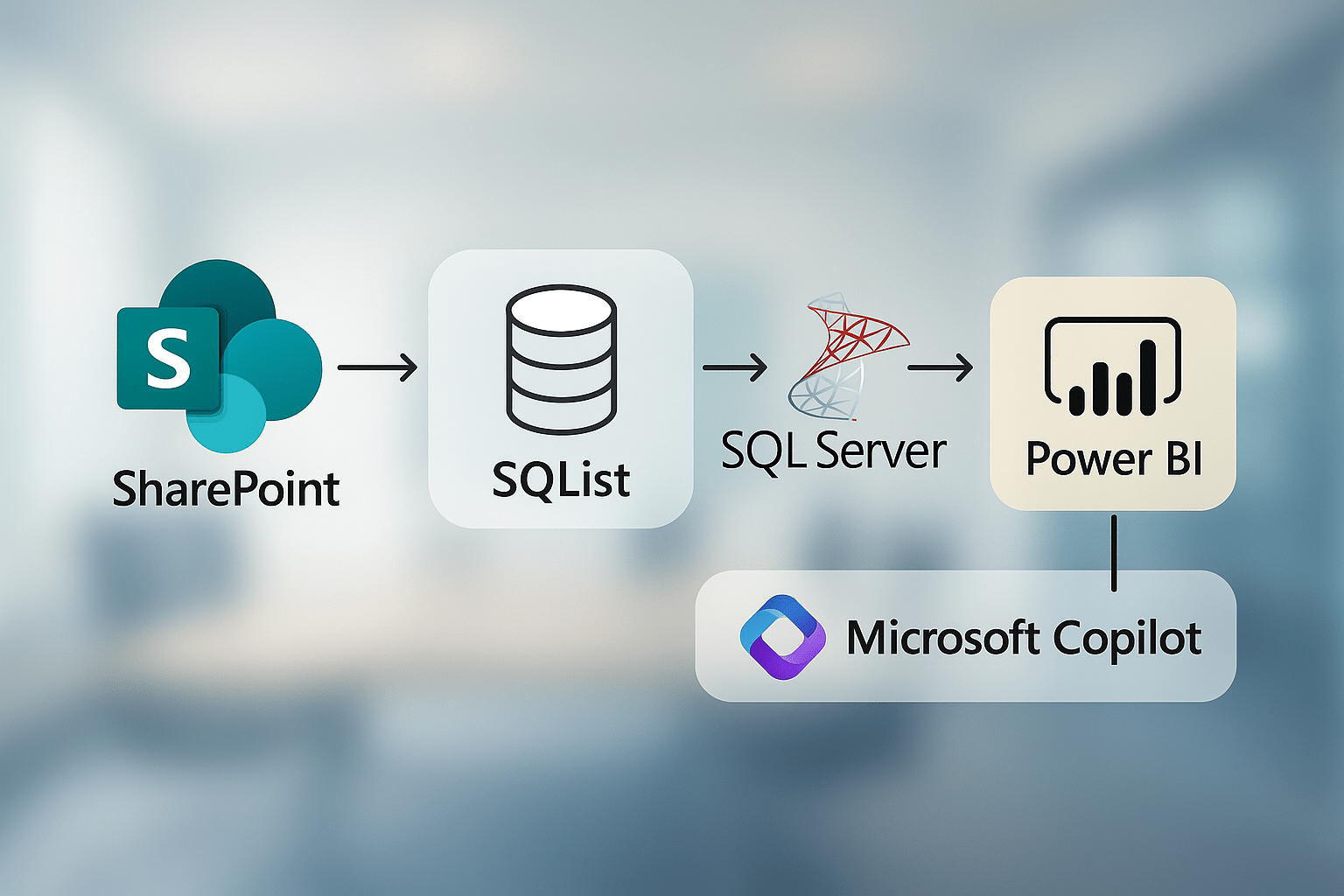
Many organisations rely on SharePoint to manage business-critical data, but when it comes to reporting, its limitations quickly become apparent. Performance thresholds, list view restrictions, and siloed site collections often stand in the way of timely insights. In this article, we explore how combining SQList, Power BI, and Microsoft Copilot can transform your SharePoint data into a dynamic, real-time analytics platform—without restructuring your environment or compromising security.
Overcoming SharePoint’s Reporting Constraints
SharePoint excels at collaboration, but its limitations—such as the 5,000-item view threshold, throttling, and isolated site collections—often hamper comprehensive reporting. Analysts are frequently forced to download CSVs, stitch together data manually, and wait for nightly refreshes, resulting in delays and inefficiencies.
SQList: Bridging SharePoint and SQL for Live Access
SQList is a lightweight Windows service designed to replicate SharePoint lists (including lookups and document libraries) into SQL Server or Azure SQL in near-real time. By mirroring only changes, it avoids overloading SharePoint and ensures that data—including relationships—remains updated within seconds. Analysts can then query large datasets across multiple sites without hitting SharePoint’s list limits.
Power BI: Dynamic Insights with DirectQuery
With SQList feeding data into SQL, Power BI connects directly via its native SQL connector. This enables DirectQuery for instantaneous slicing and dicing of data, eliminating the need for scheduled extract jobs that delay insights. Analysts can now leverage SQL’s full power—joins, DAX, filters—on extensive datasets with real-time responsiveness.
Amplifying Analysis with Microsoft Copilot
Structured SQL data opens the door to Copilot-powered analytics across Microsoft Fabric and Power BI. Copilot can interpret natural-language prompts—like “Show me last quarter’s EMEA sales”—and generate the necessary queries behind the scenes, delivering fresh answers based on the latest data. This setup requires no additional schema tuning or retraining.
Microsoft’s documentation emphasises that Copilot in Power BI complements existing models by generating DAX functions, model descriptions, and summaries, enhancing both development and report consumption.
Practical Benefits by Sector
- Pharma: Trial data siloed across subsites → Central SQL repository enables compliant cross-trial analysis
- Project Management: Multiple project sites, no unified portfolio view → Real-time dashboards showing progress, resourcing, and risks
- Oil & Gas: Dispersed document metadata delays search efficiency → Synchronized data searchable via Power BI in seconds
Why Now Is the Moment to Act
- Unlimited scale – sidestep SharePoint’s 5k limit
- Live analytics – DirectQuery enables instant insights
- AI-friendly – Copilot integrates using existing SQL data
- Secure & compliant – all operations remain within your Microsoft tenancy
- Rapid deployment – test the setup in minutes with the trial edition of SQList
Getting Started
- Try SQList – download the 30-day trial and configure it with a test list
- Connect to SQL – point Power BI using DirectQuery
- Enable Copilot – ensure Power BI workspace uses Fabric/P SKU and data models are AI-ready
Conclusion
By unifying SharePoint data via SQList, visualising it in Power BI, and tapping into Copilot’s natural-language capabilities, organisations can move from fragmented analytics to seamless, AI-driven insights. It’s time to advance your SharePoint reporting into the real-time, intelligent era.