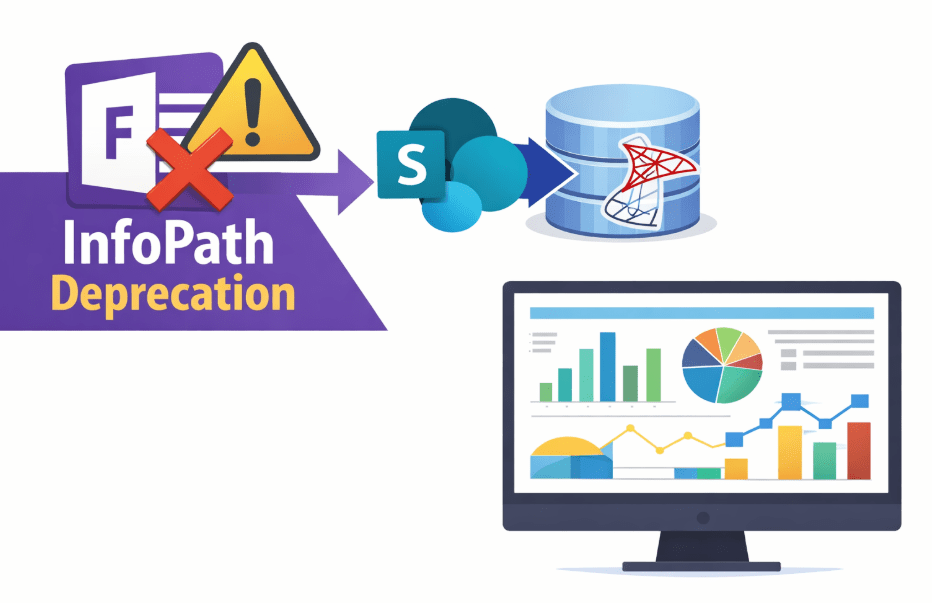
Microsoft has confirmed that InfoPath and InfoPath Forms Services will be retired on 14 July 2026. That date is no longer distant. Organisations still relying on InfoPath forms have limited time to assess their exposure, secure historical data, and implement a sustainable replacement. Delaying action increases the risk of disruption, rushed migrations, and avoidable data loss as the retirement deadline approaches.
Why urgency matters
Many organisations still rely on InfoPath forms for day-to-day processes: requests, approvals, inspections, and incident logs. The immediate issue is that InfoPath is approaching the end of its life, so anything built on it carries rising operational risk. The longer you wait, the more likely the work becomes a rushed replacement focused on the user interface rather than the underlying data.
A better approach is to treat this as a data migration first. Preserve every submission, but move it into structured storage with explicit columns and correct data types. That change is what makes the information governable, searchable, and usable for integration and reporting.
The core problem with InfoPath storage
InfoPath was never an ideal data platform. A common pattern is storing submissions as XML (often as an XML “blob”), with business fields embedded inside the document. That causes predictable pain:
- Weak typing: dates, numbers, and choices can be stored as strings, which increases errors.
- Hard reporting: simple questions become XML parsing exercises rather than filters and joins.
- Fragile integration: line-of-business systems want tables and keys, not semi-structured files.
Even when forms still “work”, the data model remains awkward. Migration is the moment to fix it.
Step 1: Convert to SharePoint lists with proper columns
For many legacy InfoPath solutions, the most practical landing zone is a SharePoint list (or a set of related lists). The aim is straightforward: map each meaningful form field to a SharePoint column of the right type (text, number, date/time, yes/no, choice, person, lookup, etc.). Once the schema is explicit, SharePoint can validate inputs, support views and filtering properly, and apply standard governance features.
If you have many forms or a large history of submissions, manual conversion is slow and risky. A migration utility can help automate field mapping and import historical items. One option is AxioWorks’ SharePoint Form Migrator, intended to convert InfoPath form data into SharePoint list items so you can exit InfoPath without losing content or rewriting everything by hand.
Step 2: Export to SQL Server and normalise
Moving to SharePoint lists is a major improvement, but it does not automatically give you reliable reporting at scale. SharePoint is primarily a collaboration and content platform; it is not designed to be your reporting database. If you are using SharePoint as the data source for cross-site analytics, heavy joins, or large BI models, performance and reliability issues are common. This is explained in Why SharePoint is not a reporting database (and what to do instead).
The next step is to export your structured list data into SQL Server, then model it as normalised tables. In SQL Server you can define keys, constraints, and relationships; build reporting views; and query large volumes predictably. You also remove the dependency on SharePoint list limits and throttling for analytics workloads.
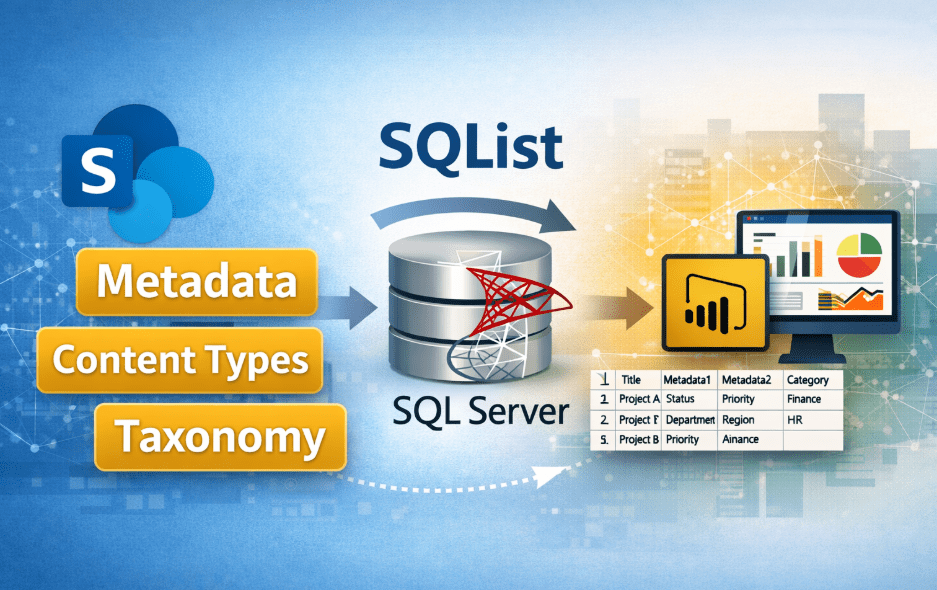
To automate the export and keep it current, you need a repeatable pipeline rather than a one-off copy. A tool such as SQList can extract SharePoint list data into SQL Server and maintain synchronisation, enabling reporting and integration to run against the database while users continue working in SharePoint.
What SQL tables enable (beyond dashboards)
Once InfoPath-originated data is in SQL tables, the benefits go well beyond better charts:
- Integration: join SharePoint-originating data with finance, CRM, and operational databases using stable keys.
- Data quality: enforce constraints, de-duplicate, and standardise reference data.
- Faster change: new apps and automations can rely on a clear schema rather than reverse-engineering form XML.
This is the foundation for a unified repository that supports operational reporting and system-to-system processes. For a practical view of the approach, see Integrating SharePoint data with line-of-business systems. For building reliable reporting with well-defined pipelines and data ownership, see Single source of truth: how to build reliable reporting from SharePoint data.
In practice, the most common pitfalls are missed edge cases: optional fields, repeating sections, attachments, and historical submissions that do not match the “latest” form template. Plan time to profile real data, decide how to represent repeating groups (often as child lists/tables), and document any transformations. This is also the point to define ownership: who approves the target schema, who signs off the migrated history, and how changes will be handled once the new solution is live.
A pragmatic migration plan
- Inventory: list every InfoPath form, identify business owners, assess submission volumes, and document dependencies and integrations.
- Migrate history: use SharePoint Form Migrator to convert existing InfoPath submissions into structured SharePoint list items, preserving historical data and attachments in a controlled, repeatable way.
- Replace the UI: manage the new forms directly on SharePoint lists using Lightning Forms, providing a modern interface while keeping data stored in properly structured lists.
- Export to SQL: use SQList to establish ongoing synchronisation from SharePoint lists to SQL Server, ensuring data is available in normalised tables for reporting and integration.
- Normalise and validate: design relational tables and views in SQL Server, apply constraints and keys, and reconcile outputs against existing reports and business expectations.
Once data resides in well-designed SharePoint lists, additional tools can extend its value immediately. Data Viewer can provide structured, filterable data exploration across large lists, while Modern Gantt Chart for SharePoint can visualise timeline-based information directly from list data. Because the underlying storage is properly structured, these tools operate reliably and at scale, without the limitations associated with XML-based form storage.
The key point is that the deadline is not only a risk; it is also leverage to modernise properly. Converting InfoPath form data into SharePoint lists and then into normalised SQL tables turns fragile form submissions into durable, queryable, and integrable business data. That is what opens up dependable reporting, better automation, and a platform you can evolve after InfoPath is gone.
#InfoPath #InfoPathDeprecation #SharePoint #SQLServer #SQList #DataMigration #DigitalTransformation #BusinessIntelligence