
Microsoft Lists and SharePoint lists are excellent operational tools. Teams can stand them up quickly, adapt columns as processes change, and keep day-to-day work inside Microsoft 365. The trouble starts when those same lists become important for governed reporting, audit retention, cross-system integration, or Power BI models that need to stay stable over time.
A common reaction is to add another cloud data hop: export into a new SaaS pipeline, push everything into a separate managed service, or let reporting logic depend on whichever cloud connector is easiest this quarter. That can work, but it also introduces a governance question many IT and data teams are trying to reduce, not expand: where exactly does operational data travel, who controls the processing path, and what breaks when identities, connectors, or service ownership change?
For organisations that already trust Microsoft Lists as the operational front end and SQL Server as the governed reporting layer, a simpler pattern is often the better one: keep Lists for user workflow, synchronize the data into SQL Server under your control, and let Power BI, Fabric, SSRS, or downstream systems consume the SQL layer.
The real problem is not dashboards. It is control.
When a reporting architecture is reviewed seriously, the questions are rarely about chart colours or whether users can open a report in Teams. They are usually about governance and operations:
- Can we report on Microsoft Lists without creating another unmanaged data copy?
- Can we keep processing inside our own environment or a controlled hybrid boundary?
- What happens if a service owner leaves, a connector changes behaviour, or a cloud workflow fails silently?
- Can security and audit teams explain the path from list item to report?
- Can SQL and BI teams reuse the same governed tables for more than one reporting tool?
Those are architecture questions, not visualisation questions. They matter more now because the Microsoft analytics stack keeps becoming more capable and more operationally important.
Why current Microsoft updates make this discussion more relevant
Recent Microsoft Fabric and Power BI changes are useful, but they also raise the bar for disciplined source data.
Microsoft Fabric’s current updates highlight stronger SQL, identity, and gateway patterns. Recent public Microsoft Learn material shows Fabric adding features such as associated identities for items, Virtual Network Data Gateway autoscaling in preview, and more SQL-centric improvements. The direction is clear: Microsoft keeps making governed analytics more operationally robust, but those controls only pay off if the underlying source path is also deliberate.
Power BI has moved further in the same direction. Microsoft Learn now documents broader collaboration options such as embedding reports in Teams channels, chats, private channels, and shared channels. That is useful for distribution, but easier consumption does not remove the need for a controlled source layer behind the report.
We have already discussed the reporting-layer side of that in Using SQL Server as a Reporting Layer for SharePoint Lists. The missing decision for many teams is not whether Power BI can show the result. It is whether the route from Microsoft Lists to reporting should become more operationally complex than it needs to be.
Why another cloud copy is not always the safest default
There are good reasons to use cloud-native pipelines in some environments. But many Microsoft 365 teams are dealing with departmental systems, operational registers, compliance logs, project controls, engineering workflows, or finance-supporting data where the main requirement is not an all-new data platform. The requirement is dependable reporting with a clear governance story.
Adding another cloud copy can create new issues:
- A second or third place where sensitive operational data now exists.
- Extra service accounts, tokens, and ownership dependencies to manage.
- More places where schema changes need to be monitored.
- Another cost surface for connectors, orchestration, storage, or compute.
- A harder audit conversation when someone asks where data is processed in transit.
This is not an argument against cloud services in general. It is an argument for proportion. If your business already uses Microsoft Lists operationally and SQL Server is already the trusted reporting and integration layer, then a hybrid or on-premises synchronization pattern may be the more governable choice.
A practical hybrid pattern for Microsoft Lists reporting
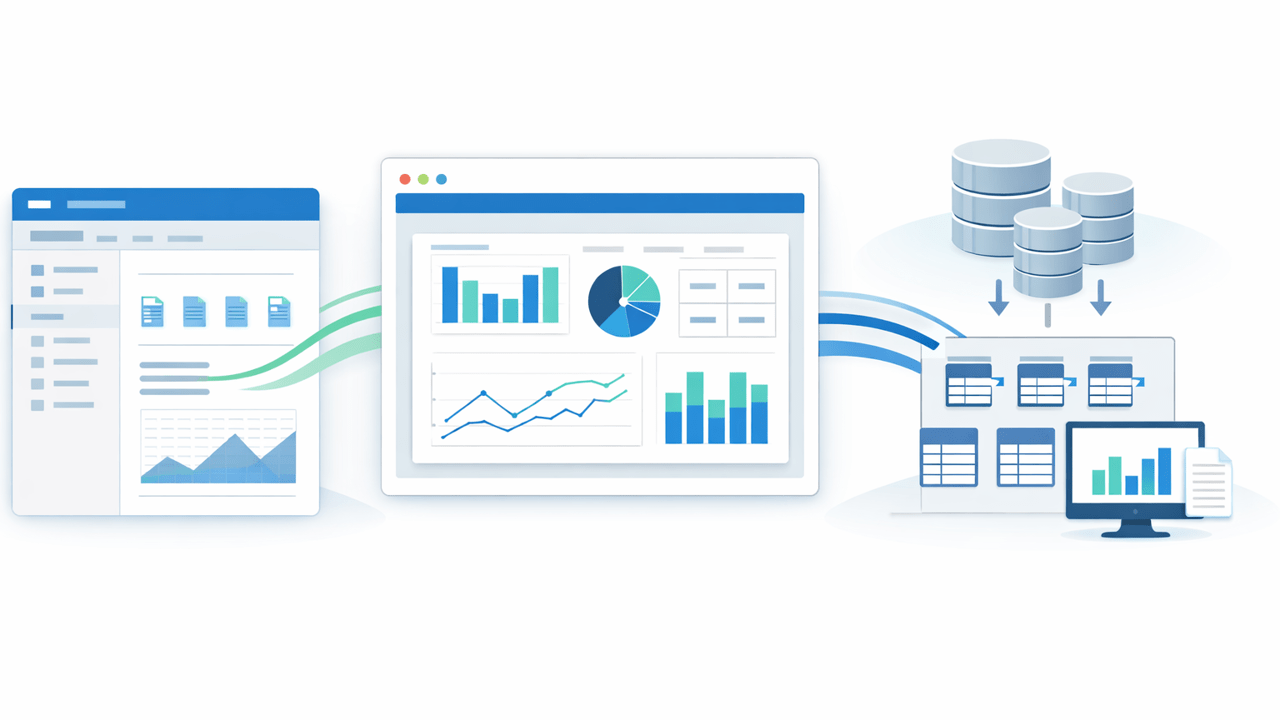
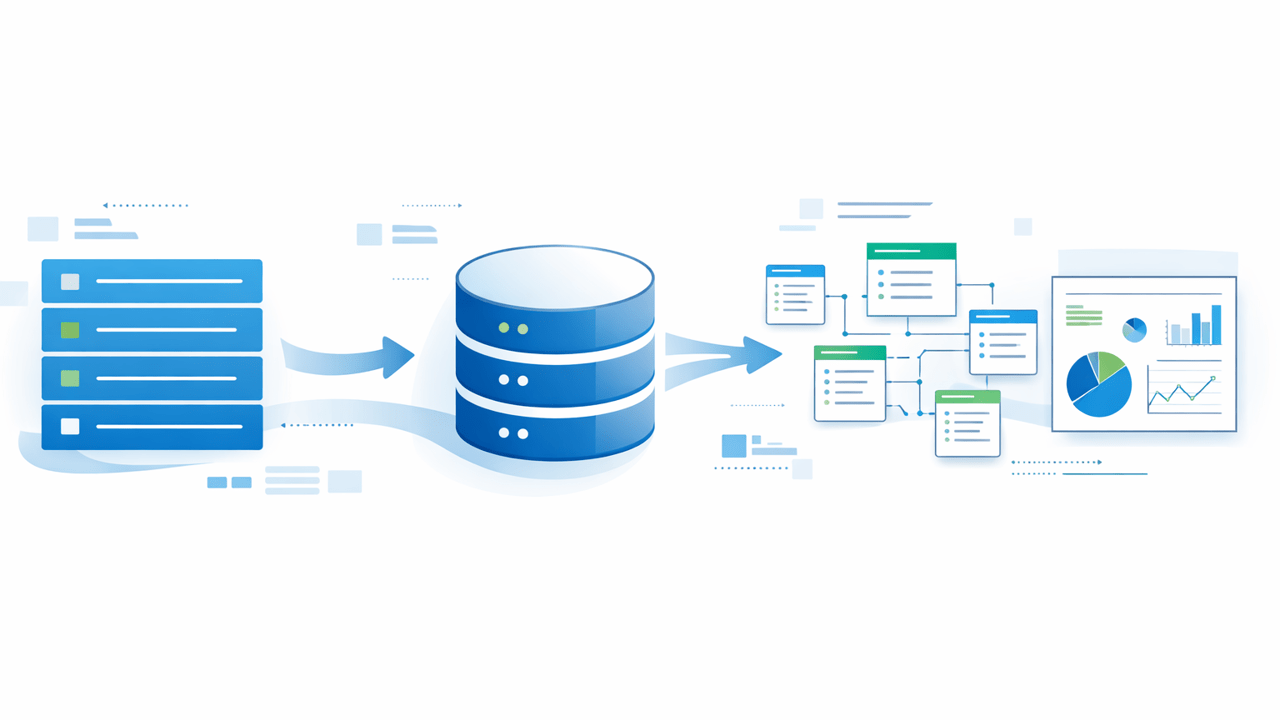
A durable architecture often looks like this:
- Business users continue to work in Microsoft Lists or SharePoint.
- Required list data is synchronized into SQL Server on a controlled schedule.
- SQL tables and views become the reporting contract for Power BI, Fabric, SSRS, and other consumers.
- Governance, indexing, permissions, retention, and integration logic are handled in the SQL layer your team already understands.
- Reports can still be surfaced in SharePoint or Teams, but they are no longer dependent on direct list querying for every analytical use case.
This approach is closely related to the single-source-of-truth pattern we described in Single Source of Truth: How to Build Reliable Reporting from SharePoint Data. It also aligns with the wider governance concern we covered in Why finance and audit data should not live only in SaaS platforms.
Where SQList fits, without changing the whole stack
This is the context where SQList becomes relevant. SQList is not a demand to replace Microsoft Lists, Power BI, Fabric, or SQL Server. It is a practical way to connect them while keeping the processing path comparatively simple.
SQList synchronizes SharePoint and Microsoft Lists data into SQL Server so teams can keep their existing reporting and integration stack. That matters when:
- you want a plug-and-play route from Lists to usable SQL tables rather than a custom pipeline project,
- you need the data to remain inside the customer environment rather than being stored by an intermediary service in transit,
- you want to support on-premises or hybrid deployment patterns, or
- you already have Power BI, SQL reporting, ETL, or downstream business-system integrations built around SQL Server.
Those are practical architecture advantages, not marketing abstractions. They also help explain why a team may choose synchronization into SQL Server even while continuing to adopt newer Fabric or Power BI capabilities on top.
When this pattern is stronger than direct list reporting
Direct reporting from a small and stable list can still be reasonable. The case for a SQL layer becomes stronger when one or more of the following are true:
- The list data feeds more than one report or one department.
- Reporting logic needs joins, historical analysis, or integration with other systems.
- Operational fields change often and downstream models need a stable contract.
- Security or compliance teams want a clearer explanation of where data is stored and processed.
- You need SQL-native controls such as views, stored procedures, indexing, or permission boundaries.
- The reporting path must work in a hybrid environment without forcing an all-cloud replacement.
If schema drift is already a pain point, our article on keeping SQL Server reporting and Fabric models stable when SharePoint list schema changes goes deeper into why the intermediate SQL contract matters.
What to evaluate before choosing the architecture
If you are deciding between direct list reporting, a new cloud pipeline, or a SQL-backed synchronization approach, ask these questions:
- Which platform is our real system of work, and which platform is our reporting system?
- How many copies of the data are we comfortable governing?
- Who owns connector identities, and what happens when that person or credential changes?
- Do we need a path that stays workable in on-premises or hybrid environments?
- Will existing SQL Server and Power BI assets be reused, or replaced?
- Can we explain the full path from source list to final report to an auditor or security reviewer?
Those questions often narrow the answer quickly. Many teams do not actually need a brand-new cloud analytics tier for this problem. They need a stable, queryable, governable handoff from Microsoft Lists into the reporting tools they already run.
Governance improves when each layer keeps a clear job
Microsoft Lists should be good at operational data capture and team workflow. SQL Server should be good at relational storage, governance, performance tuning, and integration. Power BI and Fabric should be good at modelling, analytics, and presentation. Problems start when one layer is forced to do all three jobs at once.
That is why a hybrid SQL-backed pattern remains relevant even as Fabric and Power BI continue to improve. Better semantic models, better identity handling, and better collaboration surfaces all increase the value of having a predictable reporting layer beneath them.
If your team needs Microsoft Lists reporting without creating another loosely governed cloud copy, the practical answer may be straightforward: keep the operational experience users already like, move the reporting workload into SQL Server, and let tools such as Power BI and Fabric consume that governed layer. SQList is one way to make that handoff fast without forcing an unnecessary platform reset.
Hashtags: #SQList #MicrosoftLists #SharePoint #SQLServer #PowerBI #MicrosoftFabric #DataGovernance #HybridData