
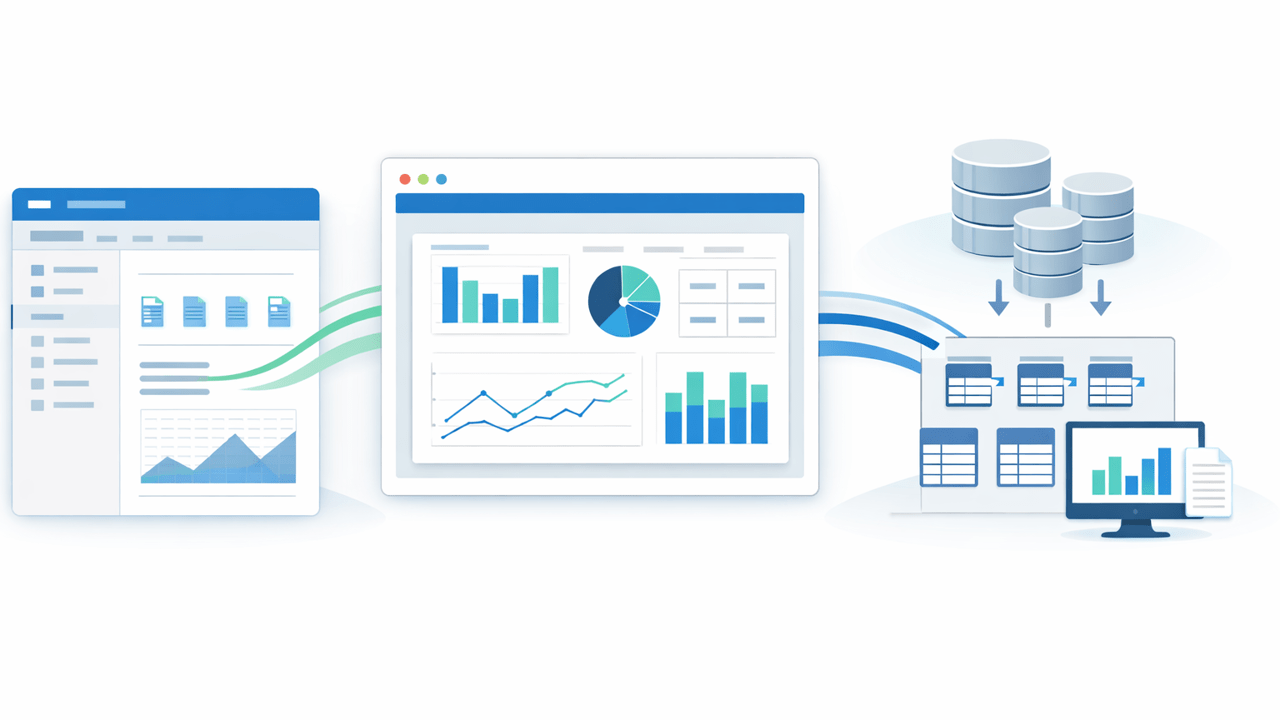
Power BI’s July 2026 update made embedding reports in SharePoint Online easier. That is useful news for Microsoft 365 teams because it reduces friction when you want dashboards and operational reporting to appear where users already work.
But easier embedding does not solve the harder problem underneath: where the SharePoint data should live before you report on it at scale. If your business data still starts in SharePoint lists, Microsoft Lists, or document library metadata, you still need a reliable reporting and integration layer behind the visuals.
That is where SQList fits. SQList synchronizes SharePoint lists and libraries with SQL Server so reporting, Power BI models, downstream integrations, and SQL-based governance are built on a source that behaves like a reporting platform rather than a collaboration UI.
What changed in Power BI in July 2026?
Microsoft’s July 2026 Power BI update added a more direct experience for embedding Power BI in SharePoint Online. Instead of manually copying long URLs, teams can now select the workspace more directly, and they can also choose to embed a single visual rather than an entire report.
That matters because SharePoint remains the natural landing page for many business processes. Project teams, operations groups, finance departments, procurement teams, and compliance functions often manage data in SharePoint and want analytics in the same environment. Better embedding removes a usability barrier.
At the same time, Microsoft Fabric continues to expand SQL, semantic model, and data engineering capabilities. That broader trend raises expectations for cleaner models, more governed reporting, and more automation. In other words, presentation is getting easier, but data discipline matters more than ever.
Embedding is not the same as data architecture
It is easy to confuse these two issues:
- Embedding is about where a report is displayed.
- Architecture is about how the underlying data is prepared, synchronized, governed, and queried.
A SharePoint page with an embedded Power BI report can look polished, but the quality of the reporting still depends on what is behind it. If the report connects to unstable, awkward, or slow upstream structures, the embedding improvement does not remove that risk.
Teams usually feel this when they hit one or more of these issues:
- SharePoint list schema changes break models or downstream reports.
- Complex SharePoint field types make reporting logic messy.
- Refresh performance degrades as operational usage grows.
- Business users want SQL-based integration with other systems.
- Audit, reconciliation, and historical reporting become harder than expected.
If those problems sound familiar, the answer is not another formatting tweak in Power BI. The answer is to separate the operational collaboration layer from the reporting and integration layer.
Why SQL Server is still the better reporting layer for SharePoint data
SharePoint is excellent for forms, collaboration, lightweight workflows, and line-of-business team processes. SQL Server is better for structured querying, joining, indexing, historical analysis, integration, and consistent report serving.
When you move SharePoint list and library data into SQL Server, several things improve immediately:
- Reporting stability: BI models and SQL reports can point to a predictable schema.
- Performance: Aggregations, joins, and refresh patterns are handled by a system built for them.
- Integration: SQL Server becomes a practical hub for other applications and downstream processes.
- Governance: Data quality checks, permissions, stored procedures, and reporting controls become easier to manage.
- Reusability: The same synchronized data can support Power BI, SSRS, ad hoc SQL, Fabric pipelines, and internal applications.
This is the same reason we have written previously about using SQL Server as a reporting layer for SharePoint lists. The July 2026 embedding enhancement does not replace that pattern. It actually makes the pattern more valuable, because better presentation increases the demand for trustworthy underlying data.
Where SQList fits in the modern Microsoft 365 reporting stack
SQList is AxioWorks’ flagship product for synchronizing SharePoint lists and libraries with SQL Server. It gives teams a cleaner path from operational SharePoint data to usable reporting and integration data.
A practical pattern looks like this:
- Business users continue working in SharePoint or Microsoft Lists.
- SQList synchronizes that data into SQL Server on a controlled schedule.
- SQL Server becomes the reporting and integration layer.
- Power BI connects to SQL-backed tables or views.
- Reports or individual visuals are embedded back into SharePoint Online for end users.
That architecture preserves the convenience of SharePoint while avoiding the common mistake of treating SharePoint itself as the long-term analytics platform.
It also helps when your SharePoint environment evolves. If your lists change over time, this article on keeping SQL Server reporting and Fabric models stable when SharePoint schema changes explains why synchronization discipline matters. If your lists use richer SharePoint columns, our guide to reporting on complex SharePoint fields in SQL Server shows why flattening and normalization are often essential.
Why this matters more as Fabric and semantic models mature
Microsoft Fabric and modern Power BI semantic model workflows continue pushing teams toward more governed, reusable, and automation-friendly analytics. That is a good direction. But governed analytics need governed source data.
The more seriously your team treats semantic models, shared datasets, paginated reports, SQL automation, or embedded reporting, the less acceptable it becomes to depend on fragile operational list structures directly. A polished semantic layer cannot compensate forever for an inconsistent data acquisition layer.
That is also why this earlier article on preparing SharePoint list data for Power BI semantic models and Fabric apps with SQList remains relevant. Better modelling tools increase the payoff from getting the SharePoint-to-SQL step right.
Embedding got easier. The hard part is still upstream.
The July 2026 Power BI update improves the last mile of the reporting experience inside SharePoint Online. That is worthwhile. Users should be able to see the right report or the right visual directly inside the workspace where they make decisions.
But if you want those embedded reports to stay fast, stable, and integration-friendly, you still need a proper data foundation. For many Microsoft 365 teams, that means keeping SharePoint as the operational front end and using SQList to synchronize the data into SQL Server for reporting, analytics, and integration.
If your team is trying to build cleaner SharePoint to SQL Server synchronization, more reliable SQL Server reporting over SharePoint data, or a more scalable SharePoint data integration pattern, SQList is built for exactly that job.
Hashtags: #SQList #SharePoint #MicrosoftLists #SQLServer #PowerBI #MicrosoftFabric #DataIntegration #Reporting