
Microsoft’s June 2026 Power BI update and July 2026 Microsoft Fabric updates both push teams toward richer semantic models, more governed analytics, and more AI-assisted data work. That is useful progress, but it also exposes a weak spot many Microsoft 365 teams still have: SharePoint list schema changes.
When business teams add columns, rename fields, switch data types, introduce new lookup relationships, or expand metadata usage in Microsoft Lists, the operational side of SharePoint usually keeps moving. Reporting and integration layers are less forgiving. Power BI models, SQL reporting queries, ETL steps, and downstream apps all depend on stable structures. That is why a reliable SharePoint to SQL Server synchronization pattern still matters – and why SQList remains such a practical fit.
Why schema changes are becoming a bigger reporting problem
Recent Microsoft analytics updates are making reporting layers more capable, not less dependent on clean source design. The June 2026 Power BI update highlighted semantic-model-focused improvements, including DAX user-defined functions becoming generally available and more model authoring support. The latest Microsoft Fabric updates also continue to expand warehouse features, including AI functions in Fabric Data Warehouse and more flexible schema-management options.
That sounds like progress, because it is. But better analytics tooling increases the cost of unstable source structures. If your SharePoint list changes every few weeks while your SQL reporting layer, semantic model, and business reports are expected to stay trustworthy, direct list reporting becomes fragile very quickly.
We already looked at the broader architectural case in SharePoint to SQL Server Synchronization: The Smarter Microsoft Lists Reporting Pattern in 2026 and in Using SQL Server as a Reporting Layer for SharePoint Lists. The more specific issue here is structural change: how do you let SharePoint evolve without constantly breaking reporting?
What usually changes in real SharePoint list environments
In real operational systems, list structure is not static. Teams often:
- add new business columns as processes evolve
- rename existing columns for user clarity
- replace single-value fields with multi-value choices or lookups
- introduce people picker, managed metadata, or document-library metadata fields
- split one list into multiple operational lists or add related reference lists
- reuse lists in new Power BI, SSRS, or integration scenarios the original owners never planned for
None of that is unusual. The problem starts when reporting tools are connected too closely to SharePoint’s current shape. A direct connector may work for the first dashboard. It becomes much harder to manage once several reports, views, refresh jobs, and integration processes all assume yesterday’s structure is still today’s structure.
Why direct reporting over SharePoint becomes brittle
SharePoint and Microsoft Lists are excellent for operational collaboration. They are not designed to be long-term analytical contracts. Column behavior can be more complex than it first appears, especially with lookups, people fields, and multi-value data. Query patterns that seem acceptable at small scale become much harder to govern as usage grows.
That is also why articles such as Why Power BI and SharePoint Work Well at First Then Suddenly Don’t and Reporting on SharePoint Complex Fields in SQL Server: Lookups, People, and Multi-Value Data keep resonating with teams that have already outgrown the easy phase.
As soon as schema changes arrive, direct reporting patterns often create one or more of these problems:
- broken Power BI refreshes after field changes
- mismatched data types between reports and source columns
- rewrites across multiple queries, measures, and stored procedures
- inconsistent handling of complex SharePoint field structures
- downstream integration jobs failing because they were built against an unstable contract
A better pattern: synchronize first, model second
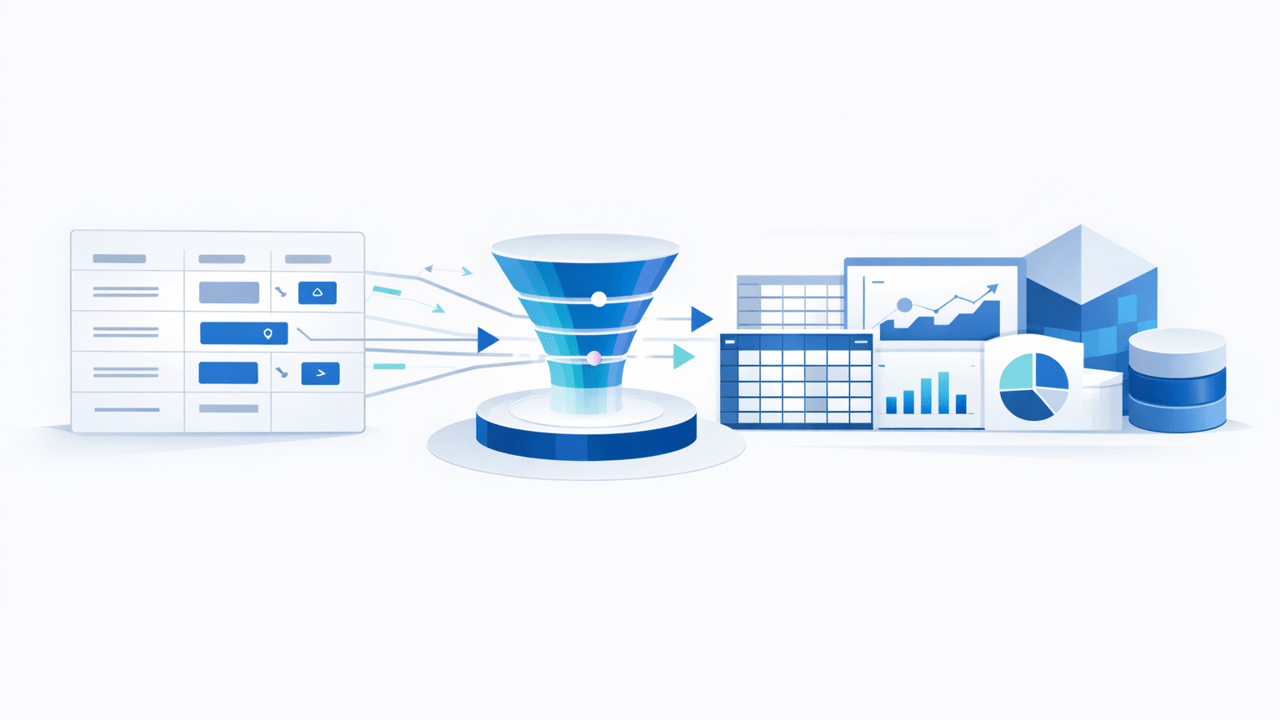
The more resilient approach is to keep SharePoint as the operational front end and synchronize the list data into SQL Server before you build reporting, analytics, and integration workloads on top. That gives you a controllable data layer between user-driven list changes and business-critical reporting outputs.
This is where SQList fits naturally. SQList is AxioWorks’ flagship product for synchronizing SharePoint lists and libraries with SQL Server. Instead of treating SharePoint as the reporting database, you use SQList to land the data in SQL Server, where you can shape, validate, normalize, and govern it properly.
That SQL layer can then support:
- Power BI semantic models
- SQL Server Reporting Services reports
- Microsoft Fabric ingestion or warehouse patterns
- downstream business applications and integration processes
- auditing, validation, and controlled transformation logic
How to stay stable when SharePoint schema changes
A practical design usually separates synchronization from presentation. One sensible pattern is:
- Synchronize source data into SQL Server. Keep a trustworthy SQL copy of the SharePoint list or library data.
- Create reporting views or curated tables. Let reports and semantic models depend on stable SQL-facing structures, not directly on raw SharePoint behavior.
- Handle complex SharePoint fields explicitly. Lookups, people fields, and multi-value content should be flattened or shaped consistently for reporting use.
- Control change at the SQL boundary. If the SharePoint team adds or revises columns, you can decide how and when that change should appear in reporting outputs.
- Test downstream models against the SQL layer. That reduces the blast radius of operational list changes.
This matters even more now that modern reporting stacks expect cleaner semantics. If you want to take advantage of Power BI semantic model improvements, Fabric warehouse workflows, or newer AI-assisted analytics features, you need a structured and dependable data foundation. A synchronized SQL Server layer gives you that foundation.
Why this still matters in a Fabric-focused world
Microsoft Fabric is expanding quickly, and that is good news. But Fabric does not remove the need for good source-system architecture. In fact, the more advanced the analytics platform becomes, the more important it is to feed it reliable, typed, query-friendly data.
For SharePoint-heavy organizations, SQL Server is still often the most practical control point between operational Microsoft 365 data and broader analytics. You can use it as a reporting layer, an integration layer, or a staging layer before data moves into other analytical platforms. The key design decision is not SQL Server versus Fabric. It is whether your SharePoint data reaches your reporting stack through a stable, governed path.
SQList helps create that path.
Final thought
SharePoint list schema changes are normal. Broken reporting does not have to be. If your team wants the flexibility of SharePoint and Microsoft Lists without constant disruption in SQL reporting, Power BI, or Fabric workloads, the answer is not to freeze the lists. The answer is to synchronize them into a proper SQL layer and manage reporting contracts there.
That is exactly the kind of problem SQList is designed to solve.
#SQList #SharePoint #MicrosoftLists #SQLServer #PowerBI #MicrosoftFabric