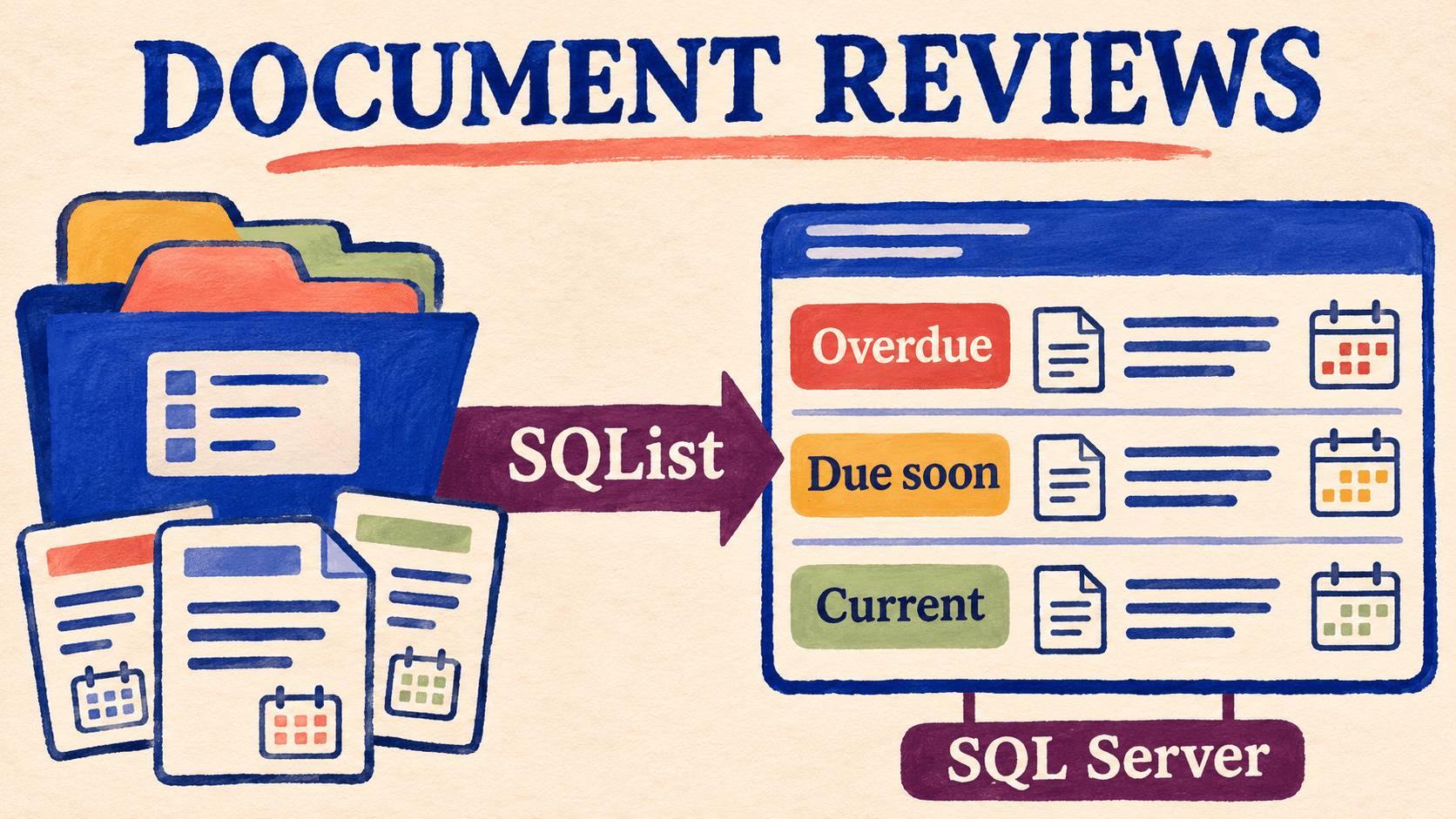
A document review report should tell a team which files need attention, who owns the next action, and where to find the source document. That becomes harder when review dates are spread across several SharePoint libraries and the monthly summary depends on people combining exports.
This guide describes a practical reporting pattern: maintain review metadata in SharePoint, use AxioWorks SQList to replicate the library data into SQL Server, and build a consistent overdue-review report over that data. It is aimed at teams that need a consolidated view across libraries or an existing SQL reporting environment.
Start with explicit document review metadata
A useful report begins with agreed source fields. Microsoft’s library column guidance describes Date and Time fields that can store a calendar date or a date with a time. Choose the form that matches the review process and document how it will be interpreted in reporting.
The following is an example business model, rather than a list of columns automatically supplied by SQList:
| Information | Purpose |
|---|---|
| Document identity and source location | Identify the file and retain its site, library, item identifier, and usable source link. |
| Next review date | The agreed deadline for the next review. |
| Review owner | The person or team responsible for arranging the review. |
| Lifecycle status | Distinguish documents in scope from withdrawn, superseded, or archived material. |
| Department or document category | Provide useful reporting groups and routing information. |
| Last completed review date | Record completion explicitly when the process requires it. |
A file edit should not automatically be treated as a completed review. Agree which source action records that completion and how the next review date is set. Resolve inconsistent field meanings across libraries before combining their results.
Define the overdue and due-soon rules once
Choose a report date and a business time zone. For date-only deadlines, the following example treats a document due today as requiring attention today, with overdue beginning on the following day:
| Review bucket | Example rule for documents in scope |
|---|---|
| Needs review date | The next review date is missing. |
| Overdue | The next review date is earlier than the report date. |
| Due soon | The next review date is from the report date through 30 days later, inclusive. |
| Current | The next review date is more than 30 days after the report date. |
These are proposed scheduling rules; adjust them to the organisation’s review process. Keep an unassigned-owner flag separate from the date bucket so that an overdue document with no owner remains visible as both problems. Show excluded lifecycle statuses separately so that the scope can be reconciled.
If a SharePoint view uses coloured cells to highlight deadlines, reproduce the underlying business rule in the reporting layer. Microsoft explains that column formatting changes display, not the stored item data. A red cell is therefore not, by itself, a stored overdue classification for SQL to retrieve.
Use SQList when the reporting scope spans libraries
A focused SharePoint view may be sufficient for one library and a small team. A SQL reporting layer becomes useful when several libraries need the same definitions, managers need consolidated counts, or other systems already consume SQL data.
SQList continuously replicates SharePoint lists and libraries into SQL Server tables. It generates a relational schema and supports complex SharePoint column types, providing a source for reporting views. It supplies the replication stage; your team defines the review buckets, ownership rules, and report.
Begin with representative libraries and inspect the generated SQL output. Map the actual column names and types in that deployment instead of assuming a universal SQList table name. Keep the source site and library alongside item identity when consolidating records.
Our SharePoint document-library-to-SQL Server guide describes the broader architecture, while our guide to SharePoint metadata reporting explains why the metadata model matters.
Build a reporting view with a clear document count
Expose one row per document in the main reporting view, with its review date, lifecycle status, reporting groups, owner indicator, and source link. If a document has multiple owners or tags, decide how those relationships are represented before aggregating.
A join that creates one row per owner can inflate an overdue total. Check the document keys behind every count, and define how a document assigned to several teams appears in departmental summaries. The organisation-wide total should follow its own agreed counting rule.
Evaluate the review bucket against the chosen report date in the reporting query or semantic model. Keep date conversion consistent with the agreed business time zone, especially if the source field includes a time of day.
Present an action list as well as a dashboard
Microsoft’s SQL Server connector supports Import and DirectQuery for Power BI semantic models. Choose the mode and refresh arrangements that suit the deployment, then verify the complete path from a SharePoint metadata edit to the final report.
Useful outputs include overdue documents by owner, documents due soon, missing dates, and unassigned owners. Give each actionable row a source link so the reviewer can work in SharePoint. Restrict access to the replicated reporting data appropriately; the report’s audience needs an explicit access design.
Show when the report was evaluated and what evidence is available about source freshness. A report calculated today can still use older replicated or imported data, so keep the stages distinguishable.
Evaluate the pattern with a small, realistic scope
Our suggested acceptance checks are to compare known source documents with the SQL rows and report, including a missing date, a deadline today, a deadline at the 30-day boundary, and an overdue document with no owner. Include withdrawn material and a multi-owner example if those occur in the real process.
Then change a review date and owner using approved test data in SharePoint. Verify that the SQL output and report reach the expected result, and record the observed timing. Check totals against source document identities before expanding to more libraries.
If your team needs consolidated review reporting from SharePoint library metadata, request a free SQList evaluation and test this pattern in your own environment. The aim is a repeatable reporting source that helps people find and complete the review work.
Microsoft documentation and current AxioWorks product information checked on 3 November 2026. The example metadata model, scheduling rules, and acceptance checks are recommended design choices, rather than built-in SQList review features.