Power BI’s July 2026 update brings TMDL View to the web, giving developers and data teams a code-oriented way to inspect and modify semantic model definitions without switching to Desktop or downloading model files. It is a useful step toward more disciplined analytics development.
It also highlights a boundary that many SharePoint and Microsoft 365 teams eventually discover: better semantic-model tooling does not remove the need for a dependable reporting data layer. If the underlying SharePoint data is difficult to query, inconsistent across lists, or awkward to transform, model governance becomes harder no matter how good the Power BI tooling is.
What Power BI TMDL View changes
Tabular Model Definition Language, or TMDL, exposes Power BI model objects in a scriptable form. That makes it easier to review metadata, make repeatable changes, work with definitions in a more structured way, and understand how a model is assembled.
The same Power BI update also adds model options in the Power BI Service and moves more semantic-model administration into the web experience. These changes point toward a more managed development lifecycle for reports and semantic models.
For teams reporting on SharePoint lists, that is valuable. But it does not solve the first part of the problem: getting SharePoint data into a shape that can support a stable model.
Why SharePoint data can still be the weak link
SharePoint is excellent for collaborative data capture. Business users can create a list quickly, add columns, use lookups and people fields, and adapt the structure as a process evolves.
Those same strengths can make reporting more complicated. A Power BI model may need to deal with:
- Lookup and person fields that need consistent relational treatment.
- Multi-value choices and managed metadata that require careful flattening.
- Internal column names and display names that are not always aligned.
- List changes that need to be reflected in refresh and transformation logic.
- Large or frequently refreshed lists where direct extraction is harder to monitor.
A model definition can be versioned and reviewed, but it still depends on the data arriving with predictable names, types, relationships, and refresh behaviour.
The role of a SQL Server reporting layer
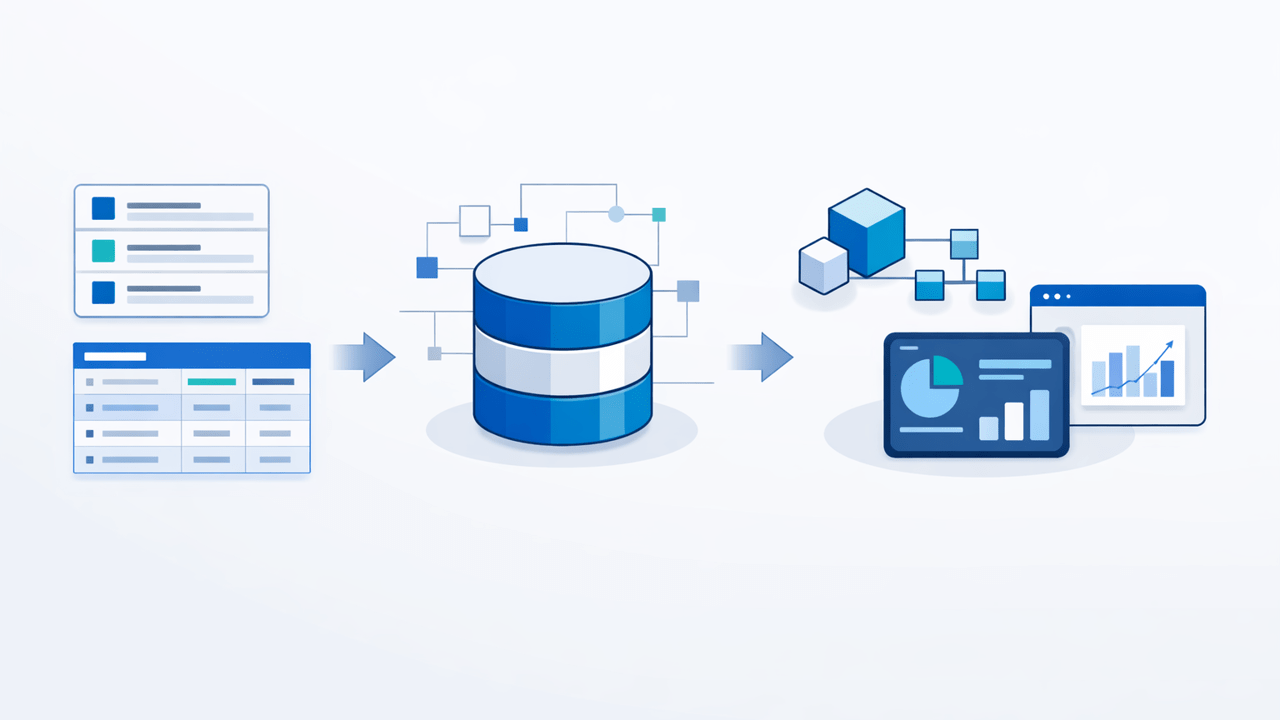
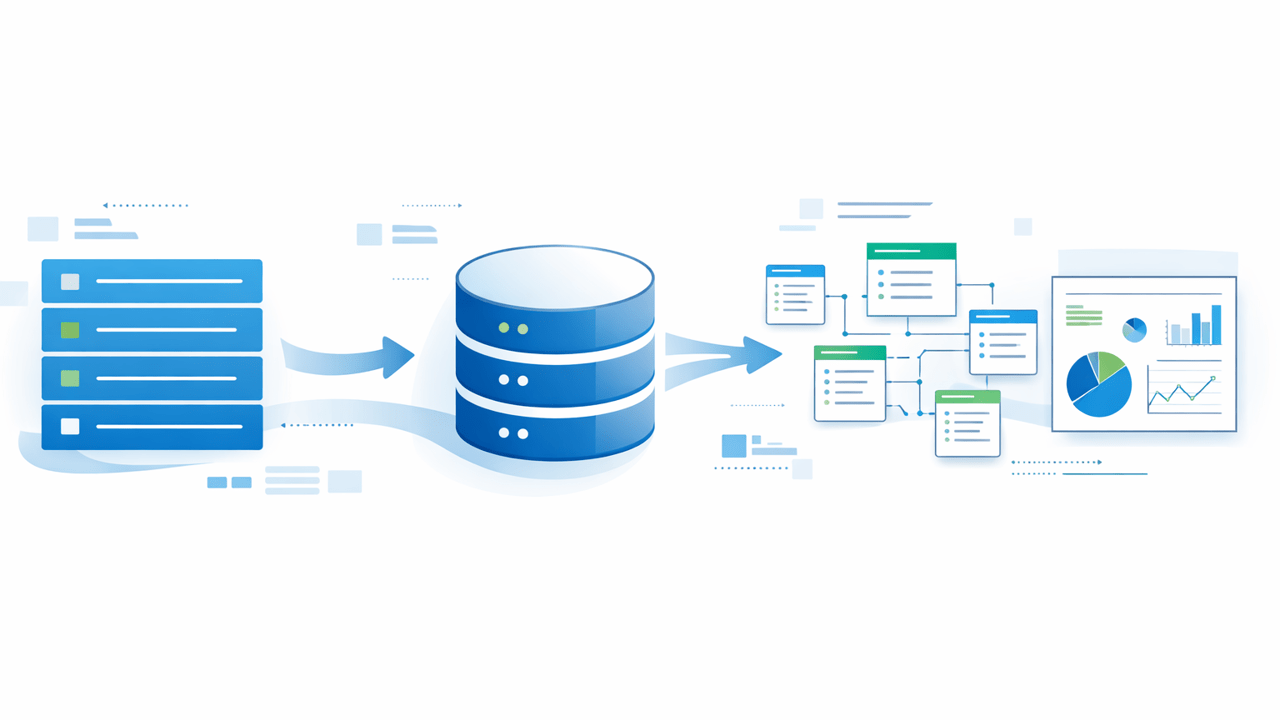
A practical architecture is to keep SharePoint as the operational system where teams work, then synchronize the reporting data into SQL Server. SQL Server becomes the queryable reporting layer between SharePoint and Power BI.
That separation gives each platform a clear job:
- SharePoint provides the business-friendly interface for managing operational information.
- SQList synchronizes SharePoint lists and libraries into SQL Server.
- SQL Server provides relational tables, indexes, views, and a controlled surface for reporting queries.
- Power BI and Microsoft Fabric consume a cleaner source for semantic models and analytics.
This pattern is not about replacing SharePoint. It is about avoiding the assumption that the best operational interface must also be the best analytical storage layer.
AxioWorks SQList is designed for this SharePoint-to-SQL Server synchronization role. It can make SharePoint data available in SQL Server while preserving SharePoint as the place where users manage the underlying information.
How this supports governed semantic models
With a SQL reporting layer in place, the semantic model can be built on deliberate reporting tables and views rather than on every SharePoint implementation detail. That makes TMDL and other model-management practices more useful because the model has a more stable contract underneath it.
For example, a team can expose a reporting view with a controlled column set, standardize how person and lookup values are represented, and keep business-friendly names in one place. Changes can then be assessed at the SQL layer before they are allowed to ripple into measures, relationships, and reports.
This also creates a better boundary for testing. Data engineers can validate synchronization and SQL transformations separately from Power BI developers who manage the semantic model. When a report changes, the source contract is easier to inspect. When a SharePoint list changes, the impact can be evaluated before a refresh fails.
When direct SharePoint reporting is still appropriate
Direct connections can be perfectly reasonable for small, stable, low-risk reporting needs. A simple list with a handful of columns and modest refresh requirements may not need another layer.
The case for SQL Server becomes stronger when the data is business-critical, the list contains complex fields, multiple reports reuse the same data, refresh reliability matters, or the organisation is moving toward governed Power BI and Fabric development.
Microsoft Fabric also continues to add ingestion, governance, and SQL capabilities. Those improvements make the wider analytics platform more capable, but they do not eliminate the need to choose the right boundary between operational Microsoft 365 data and analytical workloads.
A practical implementation checklist
- Identify the SharePoint lists and libraries that are genuinely used for reporting.
- Separate operational columns from fields that should be hidden or excluded from analytics.
- Use SQList to synchronize the required SharePoint data into SQL Server.
- Create reporting views that give Power BI a clear, documented source contract.
- Build or refactor the semantic model against those views.
- Use TMDL, deployment practices, and source control to manage model definitions consistently.
- Test SharePoint changes, synchronization, SQL views, refreshes, and report measures as separate steps.
Power BI governance starts before the model
Power BI TMDL View is a meaningful improvement for teams that want more control over semantic-model development. But the quality of that model still depends on the data foundation beneath it.
For SharePoint-based reporting, the durable pattern is often simple: let SharePoint remain the operational workspace, use SQList to synchronize the data into SQL Server, and give Power BI or Fabric a relational reporting layer that can be governed, tested, and reused.
That approach helps teams take advantage of modern Power BI and Fabric capabilities without asking the semantic model to compensate for every limitation of a collaborative list source.
Related: Preparing SharePoint List Data for Power BI Semantic Models and Fabric Apps with SQList, SharePoint to SQL Server Synchronization: The Smarter Microsoft Lists Reporting Pattern in 2026, Microsoft Fabric OneLake SharePoint and OneDrive shortcuts, and Using SQL Server as a Reporting Layer for SharePoint Lists.
#SQList #SharePoint #MicrosoftLists #SQLServer #PowerBI #MicrosoftFabric #TMDL