Microsoft Lists keeps getting more useful as part of the wider Microsoft 365 data experience. At the same time, the latest Power BI and Microsoft Fabric improvements keep raising expectations for faster modelling, cleaner semantic models, and more trustworthy reporting. That combination creates an important design question: where should your operational list data live when reporting starts to matter?
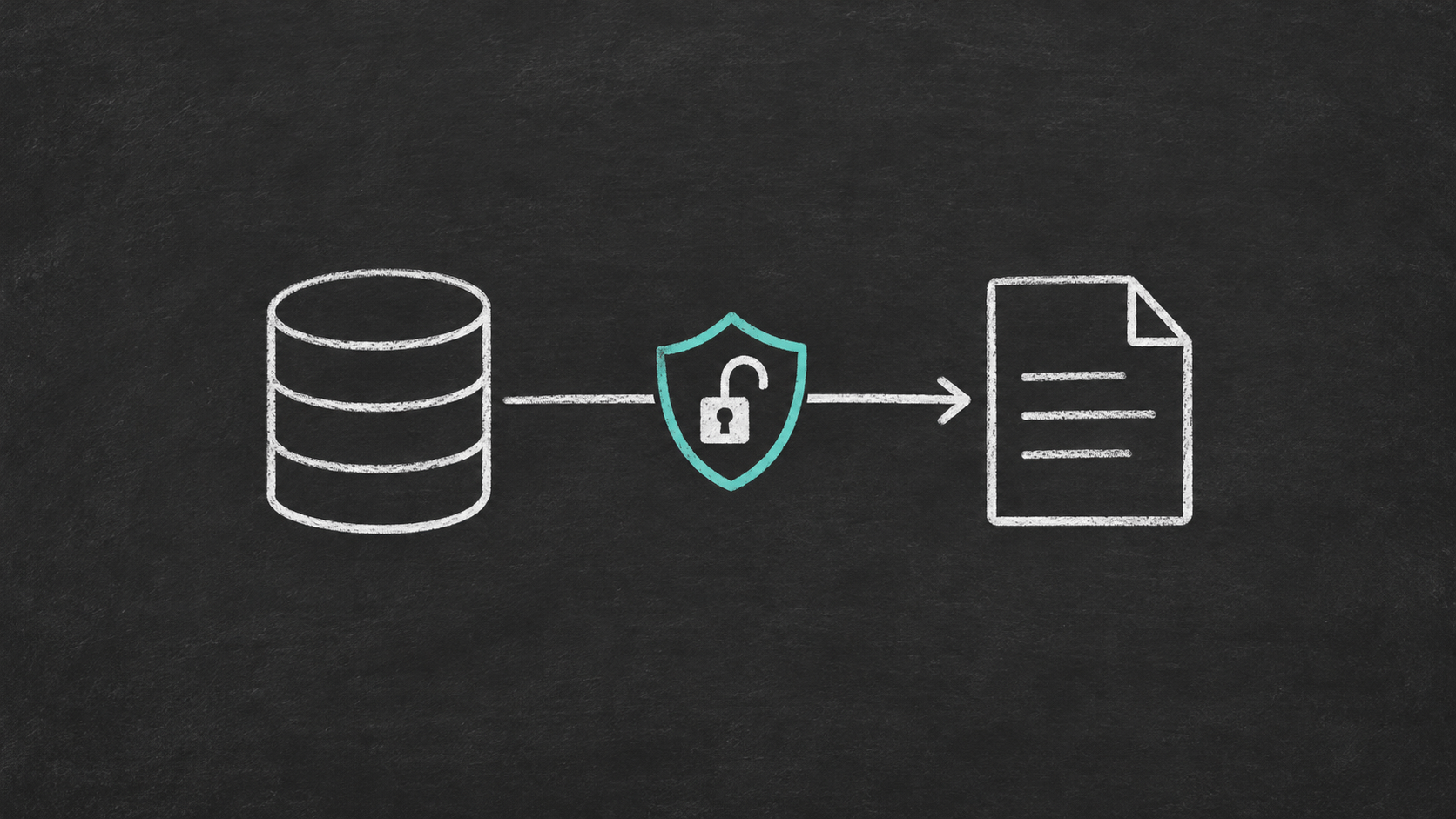
For many teams, the answer is not to query Microsoft Lists directly forever. It is to keep Lists as the business-friendly front end, then synchronize that data into SQL Server for reporting, integration, and downstream analytics. That is exactly the problem SQList is built to solve.
If this sounds familiar, it is because the pattern keeps repeating across SharePoint and Microsoft 365 projects: collaboration features improve, reporting tools improve, but the underlying need for a stable relational reporting layer does not go away.
Why this matters more in 2026
Microsoft continues to improve the analytics stack. Recent Microsoft Learn updates highlight ongoing progress in Power BI and Microsoft Fabric, including a refreshed data access experience in Power BI Desktop and continuing Fabric platform enhancements. Those improvements are useful, but they do not remove the structural limitations of using SharePoint or Microsoft Lists themselves as a reporting database.
In practice, better reporting tools increase pressure on the source data. Analysts want cleaner schemas. Report authors want predictable refresh behaviour. Business stakeholders want trusted numbers across multiple reports. As reporting maturity goes up, direct dependence on list endpoints becomes more fragile.
Microsoft Lists is great for capture, not for analytics architecture
Microsoft Lists is excellent for collecting and maintaining structured business data. Teams can build processes quickly, add columns without much friction, and keep ownership close to the business. That is a real strength.
But those same strengths create architectural weakness when Lists becomes the long-term reporting source:
- List structures evolve frequently, often without database-style change control.
- Complex field types such as lookups, people columns, and multi-value fields are awkward to consume directly in reporting tools.
- Performance and reliability expectations for analytics are different from collaboration workloads.
- Cross-list and cross-site consolidation becomes harder as usage grows.
- Integration with other systems often needs relational joins, SQL views, and governed downstream access.
This is the same broader pattern described in The Hidden Cost of Using SharePoint as a Reporting Database and Common SharePoint Reporting Workarounds and Why They Break. The tooling around SharePoint keeps changing, but the reporting architecture lessons stay consistent.
What the better pattern looks like
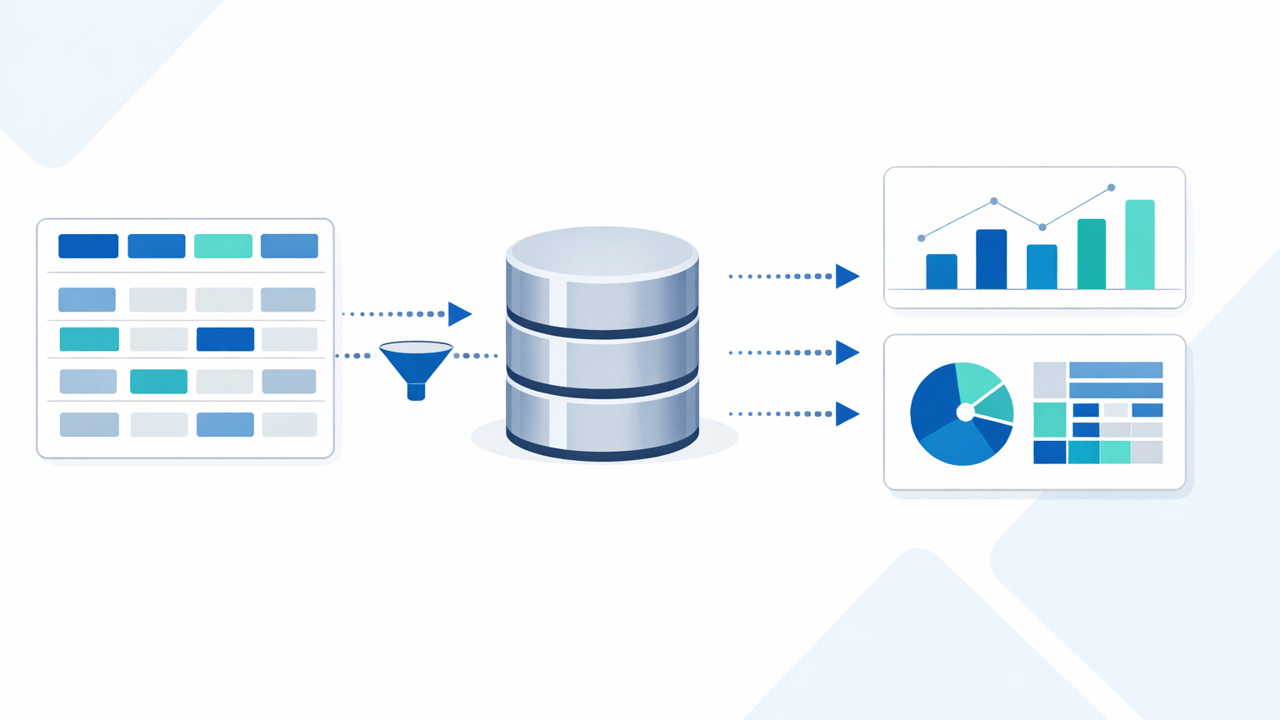
A more durable pattern is to separate operational capture from reporting consumption:
- Use Microsoft Lists or SharePoint lists as the user-facing application layer.
- Synchronize the list and library data into SQL Server on a controlled schedule.
- Model reporting-friendly tables and views in SQL Server.
- Connect Power BI, Fabric, SSRS, or other consumers to SQL Server instead of directly to the operational list source.
This architecture gives each platform a job it is good at. Microsoft Lists remains easy for business users. SQL Server becomes the governed reporting and integration layer. Power BI and Fabric consume cleaner, more stable data.
If you are already using document libraries alongside Lists, the same principle applies there too. The pattern is similar to the one covered in SharePoint Document Library to SQL Server: A Practical Sync + Reporting Pattern.
Why SQL Server still matters in a Power BI and Fabric world
Some teams assume that because Power BI and Fabric are improving so quickly, they should connect as directly as possible to Microsoft 365 sources. That is sometimes reasonable for light, low-risk scenarios. It is much less convincing for operational business data that feeds multiple reports, reconciliations, or downstream processes.
SQL Server still matters because it gives you:
- Relational structure: clear joins, views, keys, and transformations for reporting models.
- Repeatability: a controlled schema that changes deliberately, not incidentally.
- Performance: a better platform for set-based querying, aggregations, and broader report consumption.
- Integration flexibility: easier handoff to ETL, APIs, exports, or other operational systems.
- Governance: a cleaner boundary between collaboration data entry and analytics delivery.
This is especially important when Power BI semantic models start to grow beyond a single list or a single report. Once dashboards depend on multiple business processes, you usually need a proper reporting layer, not a chain of tactical connectors.
Where direct list reporting usually starts to break down
In small pilots, direct reporting from Microsoft Lists often feels fine. That is why many teams keep doing it longer than they should. The trouble appears later:
- refresh times become inconsistent
- field naming drifts across sites
- report logic starts compensating for source-system quirks
- complex columns need awkward flattening
- multiple datasets duplicate transformation work
- integration requirements arrive after the reporting solution is already brittle
The same escalation pattern is visible in Why Power BI and SharePoint Work Well at First Then Suddenly Don’t and Power BI DirectQuery vs Import When SharePoint Is the Source. Better front-end analytics does not eliminate source-side design debt.
How SQList helps
SQList is AxioWorks’ flagship product for synchronizing SharePoint lists and libraries with SQL Server. It helps teams move from ad hoc reporting over operational lists to a more supportable reporting architecture.
With SQList, you can:
- synchronize SharePoint and Microsoft Lists data into SQL Server automatically
- preserve a practical bridge between business-owned list processes and IT-owned reporting models
- prepare downstream SQL views for Power BI, Fabric, SSRS, and other consumers
- reduce the fragility that comes from treating collaboration storage as a long-term analytics platform
That also makes advanced reporting scenarios easier, including the handling of richer field types discussed in Reporting on SharePoint Complex Fields in SQL Server.
A practical decision test
If you are deciding whether to keep reporting directly from Microsoft Lists or introduce SQL Server as a reporting layer, ask a few simple questions:
- Will more than one report or analytics workflow depend on this data?
- Do you need to combine multiple lists, sites, or libraries?
- Do you expect business users to keep changing list structure over time?
- Do you need stable, reusable reporting definitions?
- Will this data eventually feed integrations as well as dashboards?
If the answer is yes to several of those questions, direct list reporting is usually a short-term convenience, not a durable architecture.
Final thought
Microsoft Lists, Power BI, and Fabric are all moving forward. That is good news. But the more capable your reporting stack becomes, the more valuable a stable SQL-based data layer becomes too.
For a more specific look at making SharePoint list data ready for newer semantic-model-first reporting patterns, see Preparing SharePoint List Data for Power BI Semantic Models and Fabric Apps with SQList.
For organisations that want the speed of Microsoft Lists without accepting long-term reporting fragility, synchronizing list data into SQL Server is still one of the most practical design choices available. SQList makes that pattern achievable without giving up the convenience of SharePoint and Microsoft Lists on the front end.
#SQList #MicrosoftLists #SharePoint #SQLServer #PowerBI #MicrosoftFabric