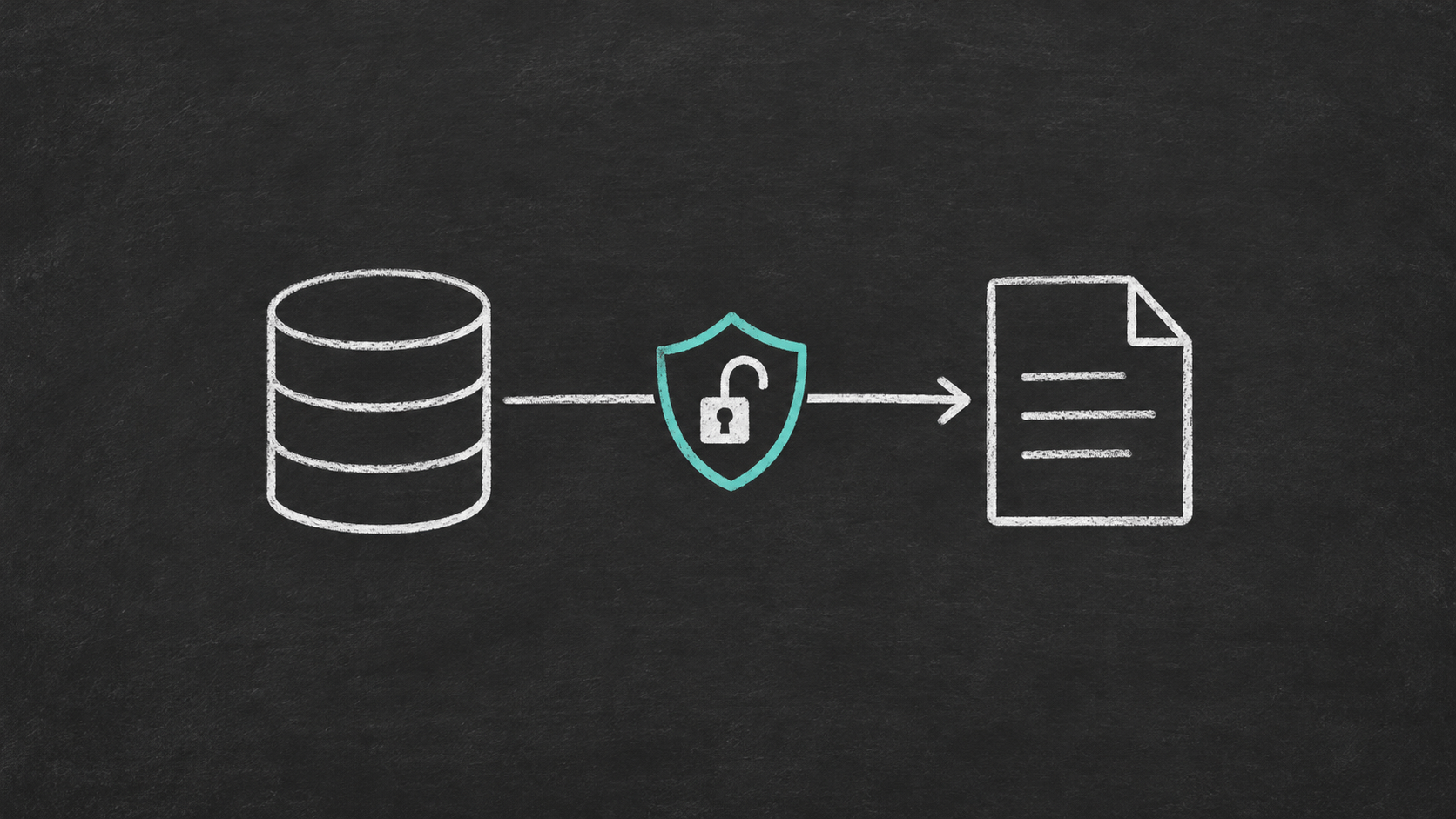

Microsoft Lists and SharePoint lists are often where operational data starts. They are easy for business teams to manage, but they are not the same thing as a governed reporting security model. A common architecture question is this: how do you apply row-level security to Microsoft Lists reporting in Power BI without relying on SharePoint permissions alone?
The short answer is that you normally treat SharePoint or Microsoft Lists as the operational source, then implement reporting security in the reporting model and data layer. That usually means shaping the data into stable SQL Server tables, modelling access rules explicitly, and enforcing row-level security in Power BI. If you are working in a hybrid or on-premises-sensitive environment, that pattern is often easier to govern than pushing every reporting need into another cloud copy.
This matters because SharePoint permissions answer one question, while Power BI row-level security answers another. SharePoint controls who can work with list items in the operational application. Power BI controls which rows a report consumer can see inside an analytical model. Those are related decisions, but they are not interchangeable.
Why SharePoint permissions do not automatically solve Power BI access
Power BI does not simply inherit SharePoint list permissions as report filters. Microsoft documents row-level security as a semantic-model feature that you define in the model and assign in the Power BI service. In practice, that means you need to decide what the reporting audience should see and represent that rule in data the model can evaluate.
That gap becomes important when teams ask for reporting across multiple lists, historical snapshots, cross-system joins, or department-specific dashboards. Even if the source lists are well managed, the reporting layer still needs its own security design. Otherwise, you end up with manual workarounds, duplicated reports, or access rules that are hard to validate. That is one reason many quick SharePoint reporting fixes break over time, as discussed in Common SharePoint Reporting Workarounds and Why They Break.
A practical architecture for governed access
For most organisations, the cleanest pattern looks like this:
- Keep Microsoft Lists or SharePoint lists as the operational capture tool.
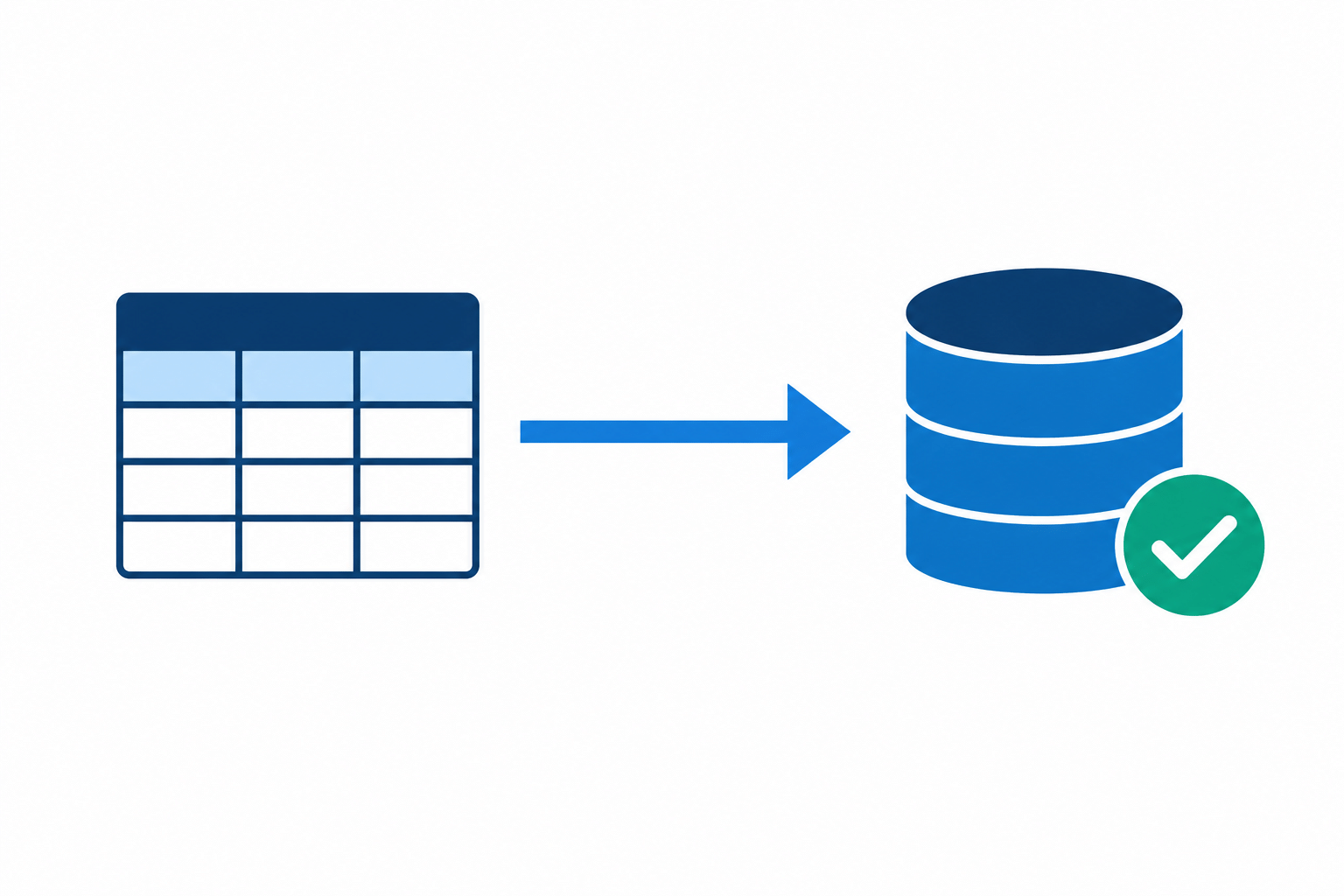
- Synchronise the reporting data into SQL Server tables with stable schemas.
- Create explicit security tables that map users or groups to allowed business entities such as region, department, project, or cost centre.
- Build the Power BI semantic model on that governed SQL layer.
- Apply row-level security in Power BI against the security mapping, then test it before release.
This separates operational permissions from analytical permissions. It also gives you a place to normalise lookup values, preserve history, add indexes, and support downstream reporting or ETL without hitting list limitations directly.
If your reporting design is also trying to stay resilient when list columns change, see SharePoint List Schema Changes: Keeping SQL Server Reporting and Fabric Models Stable with SQList. Security design is easier when the reporting schema is predictable.
What the SQL Server layer changes
A SQL Server layer gives you three advantages for row-level security projects.
First, it gives you a stable grain for security rules. Instead of filtering directly on awkward list structures or repeated text values, you can model clean business keys and relationships.
Second, it improves operational control. Microsoft documents that large lists can grow very large, but permissions, unique security scopes, and reporting patterns still need careful design. A reporting database lets you move filtering, joins, indexing, and validation into a layer built for that job.
Third, it supports hybrid governance. Some teams are happy to keep everything in Fabric or Power BI import models. Others need reporting data to stay closer to existing SQL Server, Power BI Report Server, SSRS, ETL, or internal integration workloads. In those cases, the SQL layer is not a legacy detour. It is the governed integration point.
That same reasoning sits behind Using SQL Server as a Reporting Layer for SharePoint Lists and Microsoft Lists Reporting Without Another Cloud Copy: A Hybrid SQL Server Pattern for Governance and Power BI.
How to implement row-level security for Microsoft Lists reporting
1. Define the reporting audience first
Do not start with DAX. Start with the business question. Are you filtering by department, location, case owner, site, or customer account? The best RLS models are built around a small number of clear access rules, not dozens of special cases.
Choose one primary security grain wherever possible. For example, if every viewer should only see rows for their business unit, build around that. If users need a mix of region and project access, model it explicitly in a bridge table rather than hiding logic in multiple report copies.
2. Create a security mapping table in SQL Server
A common pattern is a table that maps a user principal name or group identifier to an allowed entity key. For example, one user can map to several departments, or one Entra group can map to several regions. That table becomes the foundation for dynamic row-level security.
Keeping this mapping in SQL Server also makes governance easier. It can be reviewed, versioned, and aligned with existing administrative processes. If you later integrate other business systems, you already have a reusable security structure.
3. Build the Power BI model as a star, not a collection of direct list extracts
Microsoft guidance on Power BI row-level security emphasises model design and relationship behaviour. In practice, RLS is usually easier to reason about when it filters a dimension or bridge table and then propagates through well-defined relationships. If you try to secure a messy, flattened set of direct list extracts, performance and maintainability usually suffer.
This is especially relevant when DirectQuery is involved. Microsoft notes that RLS adds filters to queries, so source optimisation matters. That is another reason to prefer indexed, governed SQL tables over ad hoc list-shaped reporting sources.
4. Apply dynamic row-level security in Power BI
In many implementations, the role filter uses a signed-in identity such as USERPRINCIPALNAME() against a user mapping table. The exact expression depends on the model, but the principle is straightforward: identify the viewer, find the allowed entities, and let model relationships filter the fact rows.
Be cautious with broad role combinations. Microsoft guidance notes that multiple roles can become additive, which can expose more data than expected. For most business reporting scenarios, a single well-designed role with explicit mappings is safer than stacking many overlapping roles.
5. Test for failure states, not only happy paths
Validate expected users, unexpected users, empty mappings, transferred staff, and users with multiple responsibilities. This matters because the biggest reporting security mistakes are often logic mistakes, not platform failures. If an unknown identity resolves to a permissive rule, you have a design problem.
Power BI provides role testing, and you should use it. Also document who owns membership changes, who owns the mapping table, and how exceptions are approved.
6. Decide where Fabric fits and where it does not
Fabric supports security, governance, and a growing set of networking controls. For cloud-first teams, it may be a strong home for the semantic model and broader analytics estate. But Fabric does not remove the need to design row-level access carefully, and it does not automatically turn Microsoft Lists into a relational reporting source.
If your organisation already has a hybrid SQL Server estate, existing ETL, or reporting that must remain inside customer-controlled infrastructure, it can still make sense to land SharePoint or Microsoft Lists data in SQL Server first and then serve Power BI from there. The choice is architectural, not ideological.
Where SQList can be relevant
SQList is relevant when the challenge is not only creating a Power BI role, but getting SharePoint or Microsoft Lists data into a usable SQL Server structure quickly and predictably. In environments that prefer on-premises or hybrid deployment, that can reduce the need for a separate all-cloud replacement architecture.
Used that way, SQList can be part of a pattern where processing stays within the customer environment and data is not stored in transit, while existing SQL Server reporting, Power BI, ETL, and downstream systems continue to work from a familiar relational layer. That is an architectural option, not a guarantee that every security model will be simple. You still need to design the mapping tables, model relationships, and operational controls properly.
Common mistakes to avoid
- Assuming SharePoint item permissions will automatically become Power BI row filters.
- Using several overlapping Power BI roles when one explicit dynamic role would be clearer.
- Filtering fact tables directly when a dimension or bridge table would be easier to maintain.
- Skipping tests for unknown users, multiple assignments, and stale mappings.
- Treating list extracts as a permanent reporting store instead of shaping them into governed tables.
- Designing security after dashboards are already in production.
FAQ
Can I use Power BI directly on Microsoft Lists and still get row-level security?
You can build reports directly from list data in some scenarios, but governed row-level security becomes harder as the model grows, joins multiply, and business rules become more specific. For small, simple reporting it may be enough. For durable reporting across teams, a modelled data layer is usually safer.
Does Fabric remove the need for SQL Server in this scenario?
Not always. Fabric can be the right analytics platform, but many organisations still need SQL Server because of hybrid deployment, existing reporting assets, integration with internal systems, or governance preferences. The question is not whether Fabric is good. The question is whether your reporting and security design need a relational layer you control directly.
Should I map users or groups?
Groups are often easier to govern at scale because membership is managed outside the report model. User-level mappings can still be valid for smaller or highly specific scenarios. The better choice is the one your administrators can maintain reliably.
What is the best audience for this pattern?
This pattern fits organisations that use SharePoint or Microsoft Lists operationally but need governed reporting in Power BI, SQL Server, Fabric, or mixed estates. It is especially useful where access rules are tied to business entities rather than simple site membership.
Final thought
If the real requirement is governed reporting, design security where reporting happens. Let SharePoint and Microsoft Lists stay good at operational collaboration, and let your SQL Server and Power BI layers handle analytical structure, access control, and reuse. That separation usually produces a simpler security story than trying to force one permission model to do every job.
Research note: this article is based on public Microsoft documentation for Power BI row-level security, Power BI modelling guidance, SharePoint service limits, and Microsoft Fabric security capabilities, combined with general architectural practice for SQL-based reporting layers.