-
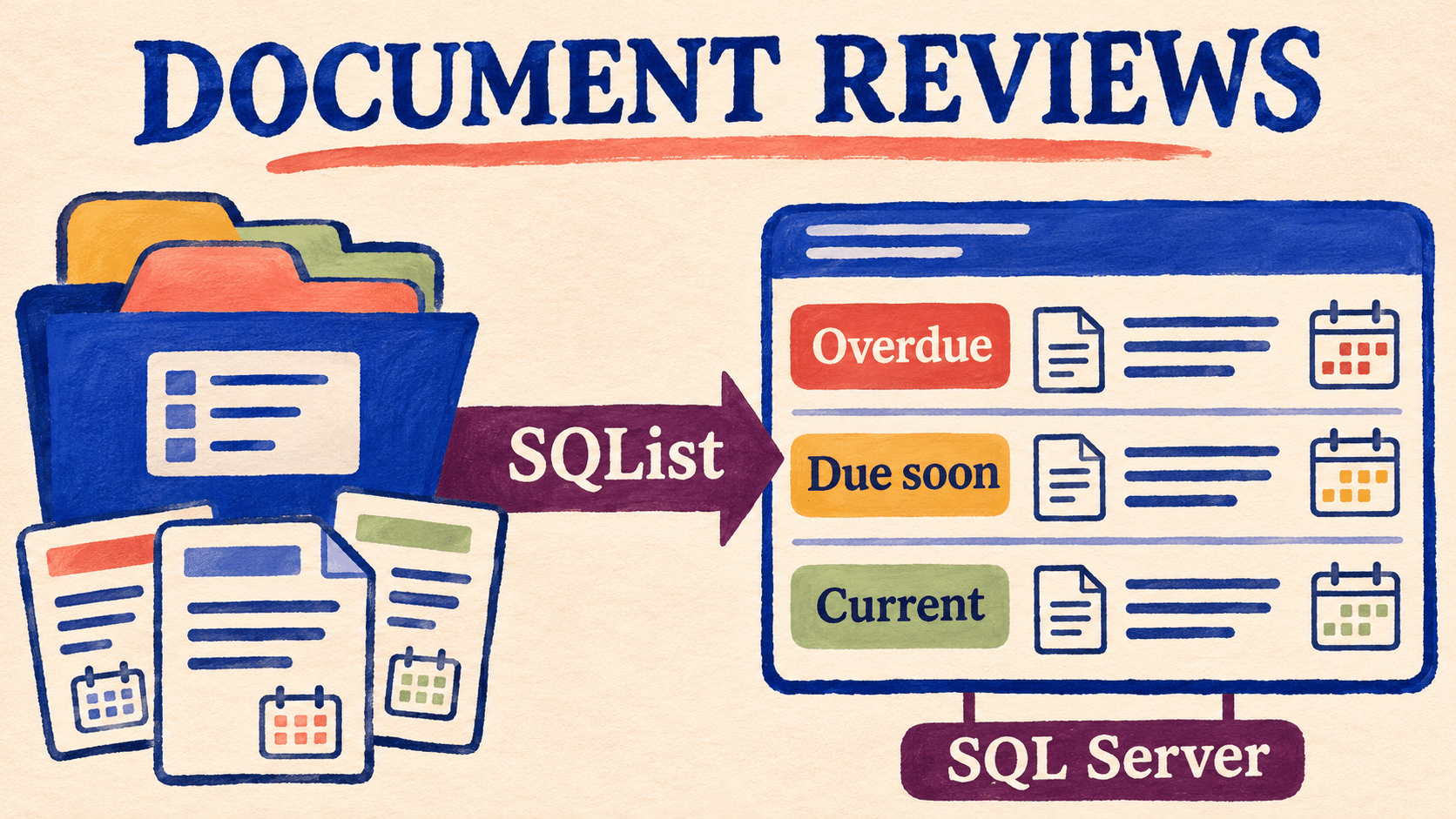
SharePoint Document Review Dates: Build an Overdue Report with SQList
Build a consistent overdue document-review report across SharePoint libraries using SQList and SQL Server, with clear date rules, ownership checks, and actionable source links.
-
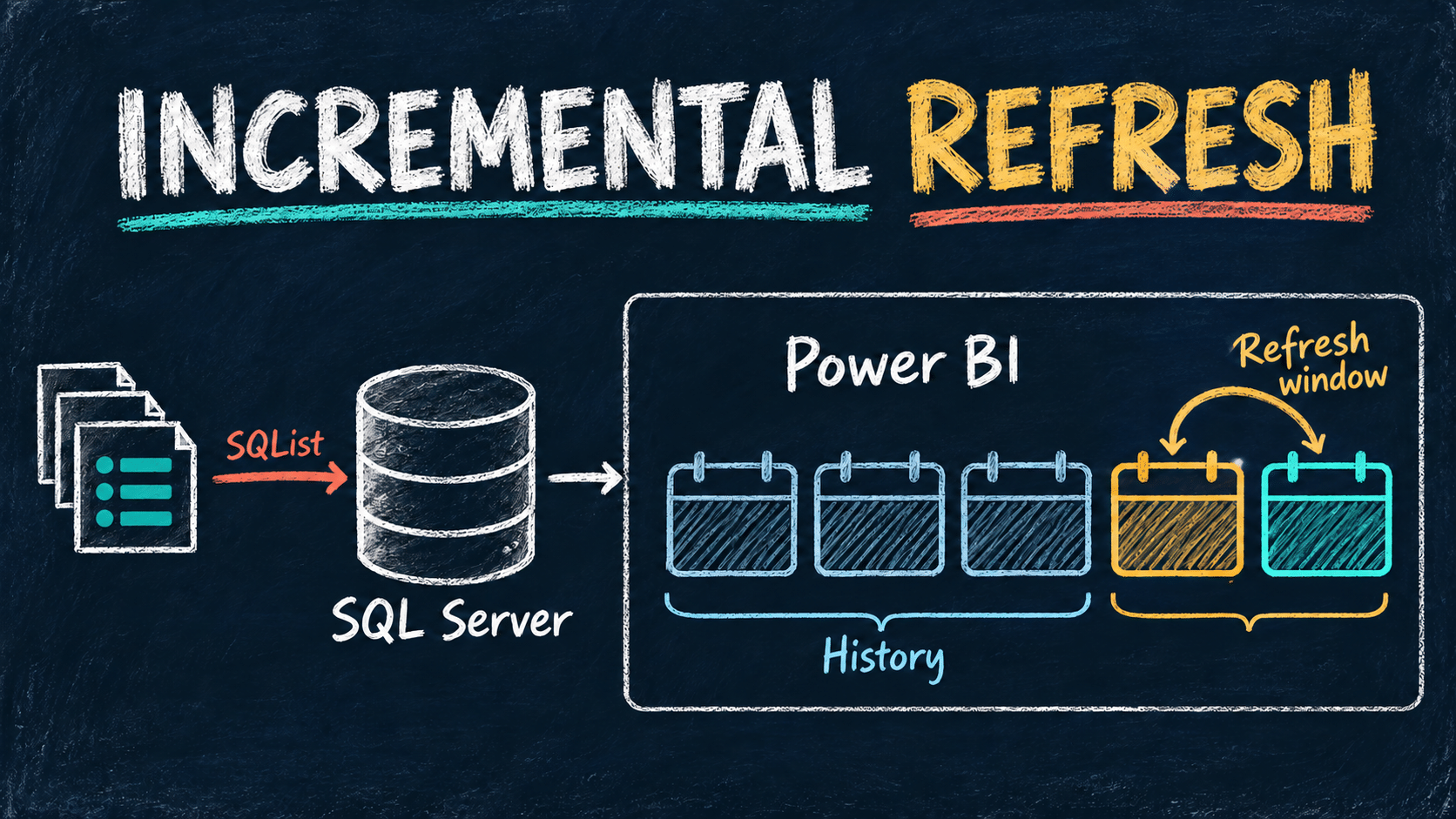
Power BI Incremental Refresh for SharePoint Data: A SQL Server Guide
Plan Power BI incremental refresh over SharePoint data replicated by SQList to SQL Server. Check query folding, date windows, historical corrections, and deleted records before rollout.
-
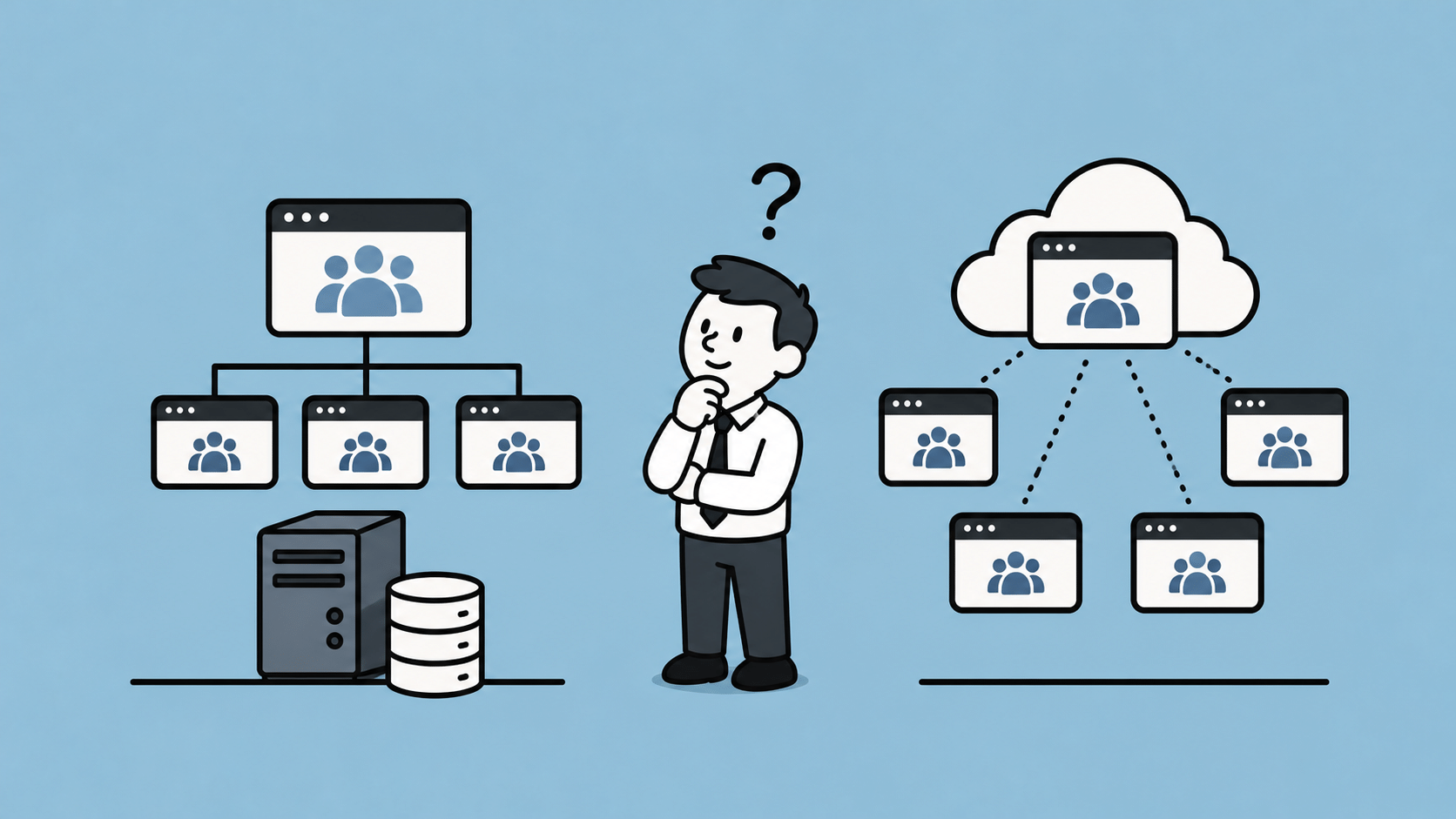
SharePoint’s Flat Architecture: Better Design, or a Workaround for Its Own Limitations?
For years, Microsoft has been recommending that organisations move away from SharePoint subsites and adopt a flat architecture based on independent site collections connected through hub sites. The official explanation is that this approach provides greater flexibility, better governance, easier restructuring and improved scalability. Having worked extensively with SharePoint over the years, including its APIs,…
-
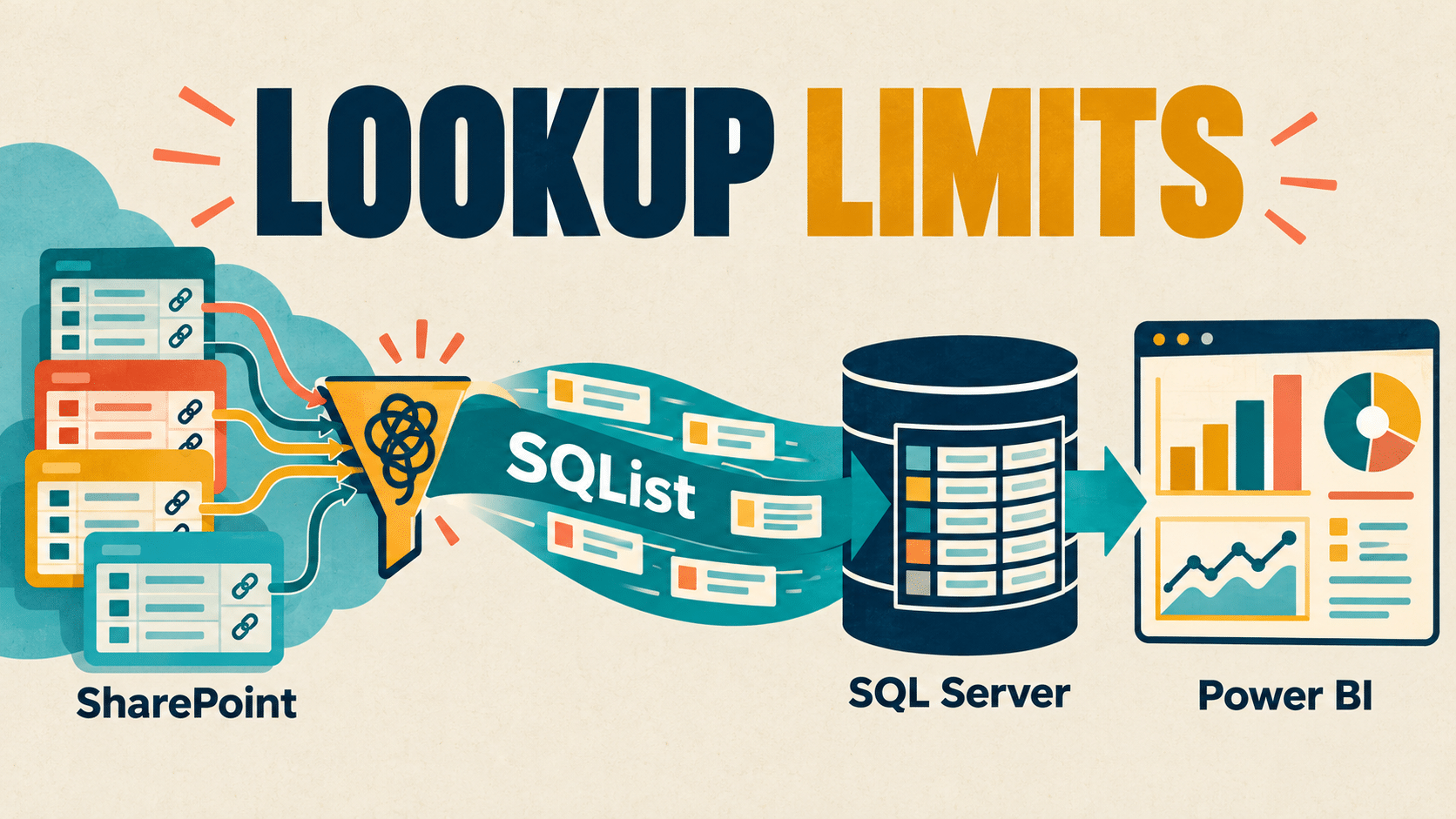
Power BI SharePoint Lookup Errors: The 12-Join Limit Explained
Troubleshoot the SharePoint Online list connector’s 12-join limit in Power BI, try a focused view-based repair, and learn when SQList replication to SQL Server is worth evaluating.
-
OneDrive Hero Links: What SharePoint Owners Should Check
Microsoft is rolling out OneDrive Hero Links. Review file permissions, external sharing, and access tests before updating your SharePoint and OneDrive sharing guidance.
-
SQL Server October 2026 Security Updates: Builds and Linked Server Checks
Microsoft’s 13 October 2026 SQL Server security updates cover multiple versions and branches. Check the correct build, review the SQL Server 2019 MSDASQL linked-server note, and use this rollout checklist.
-
SQL Server on Linux Adds BULKADMIN Support: What DBAs Need to Know
Microsoft has made BULKADMIN support generally available for SQL Server on Linux in SQL Server 2025 CU9 and 2022 CU27. Learn what changes, which permissions remain necessary, and how to plan a least-privilege rollout.
-
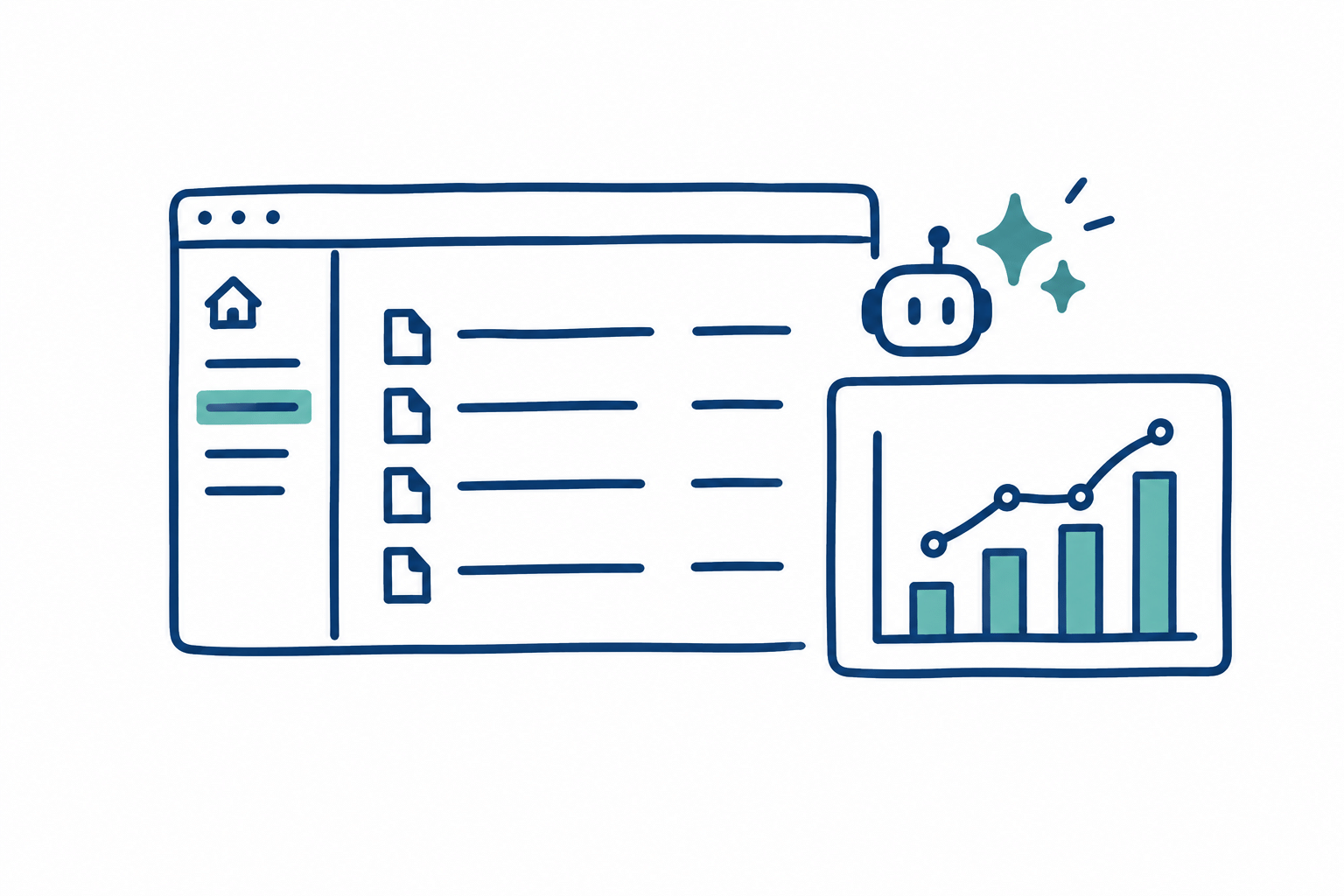
Copilot in SharePoint: What the October 2026 Update Means for Site Owners
The October 2026 Copilot in SharePoint update adds new ways to work with documents, pages, workflows and analytics. Here is what site owners should check about availability, Copilot Credits and governance.
-
SharePoint to SQL Server Synchronisation: What to Monitor After Go-Live
A practical monitoring checklist for SharePoint-to-SQL Server synchronisation: define data freshness, check each stage, validate important records, and make alerts actionable.
-

SharePoint Power BI Report Not Updating After Refresh? Trace the Missing Change
If your SharePoint Power BI report is not updating after refresh, trace one changed item through the source, SQL reporting layer, semantic model and visual. A successful refresh confirms that an operation completed; it does not prove that the operation read the expected source or included the change you are looking for. This troubleshooting guide…

AxioWorks